.png)
Tracking New Volunteer Registrations
Responding quickly to volunteer sign-ups helps improve retention and satisfaction. We recommend checking new applications daily or at least once every 48 hours and clearly communicating the next steps after approval. Making this a regular habit ensures no potential volunteers are left waiting.
IN THIS ARTICLE:
Tracking & Monitoring registrations via Registration Page
-
Navigate to "Registration" in the main menu

-
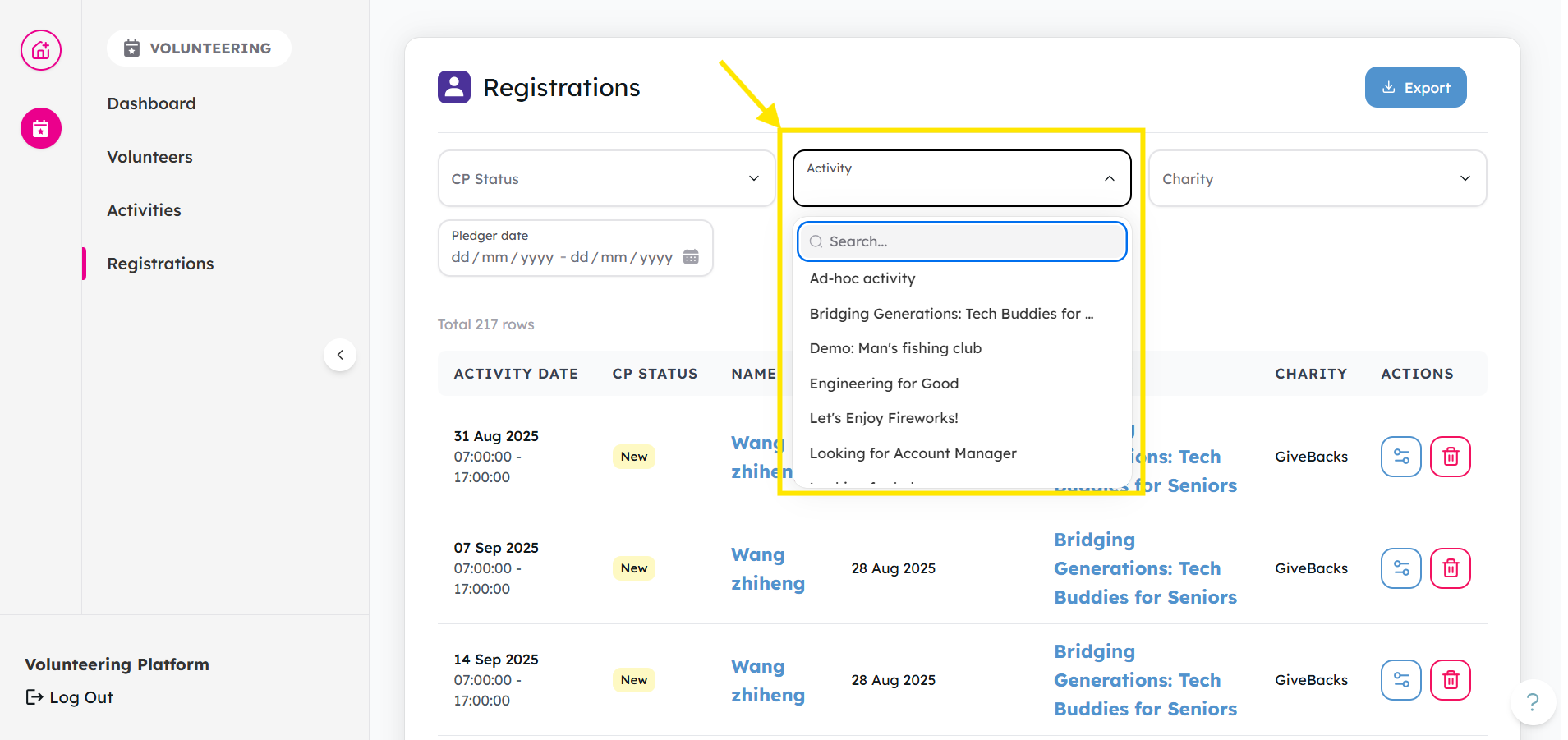
If needed, filter by Activity to see all registrations related to the activity
-
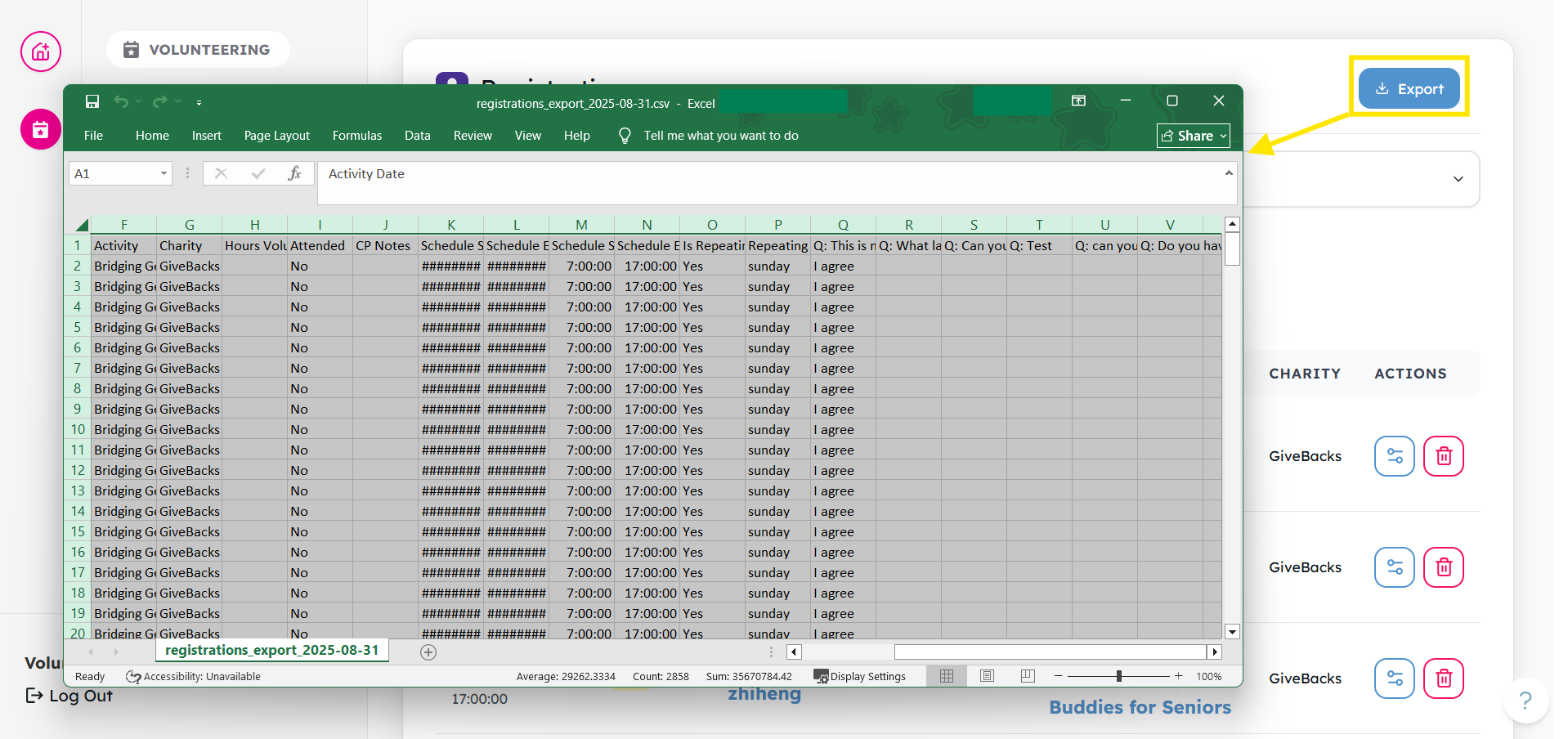
You may also choose to export after you've filtered. Click the Export button to download a .csv file. The file's output will be based on what you have selected to filter. For more information about exporting activity lists, check out this article.
- You may wish to consider reading these articles next: How to Remove a Volunteer Registration, Or Update a Volunteer’s Status
Tracking & Monitoring Registrations via Activity Detail Page
-
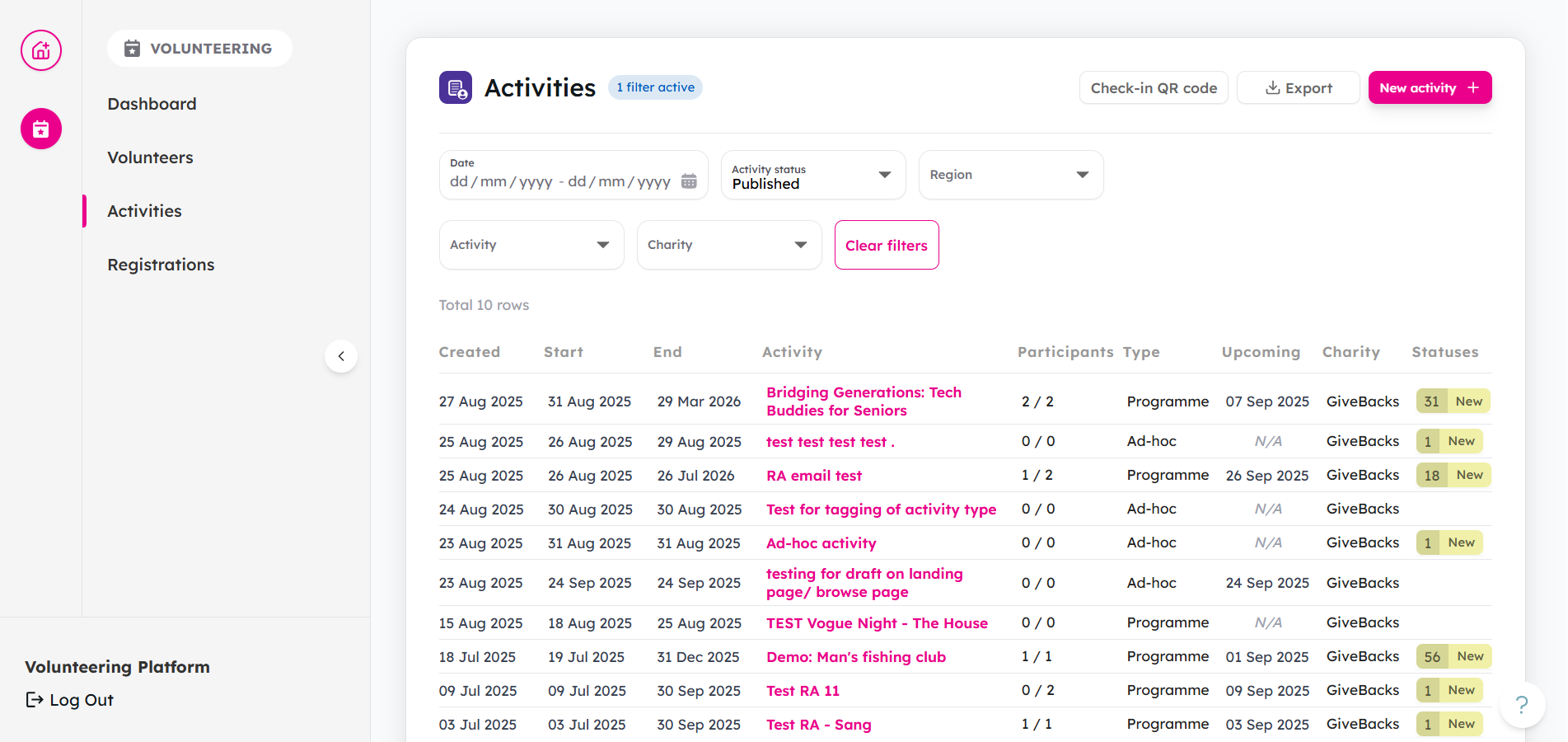
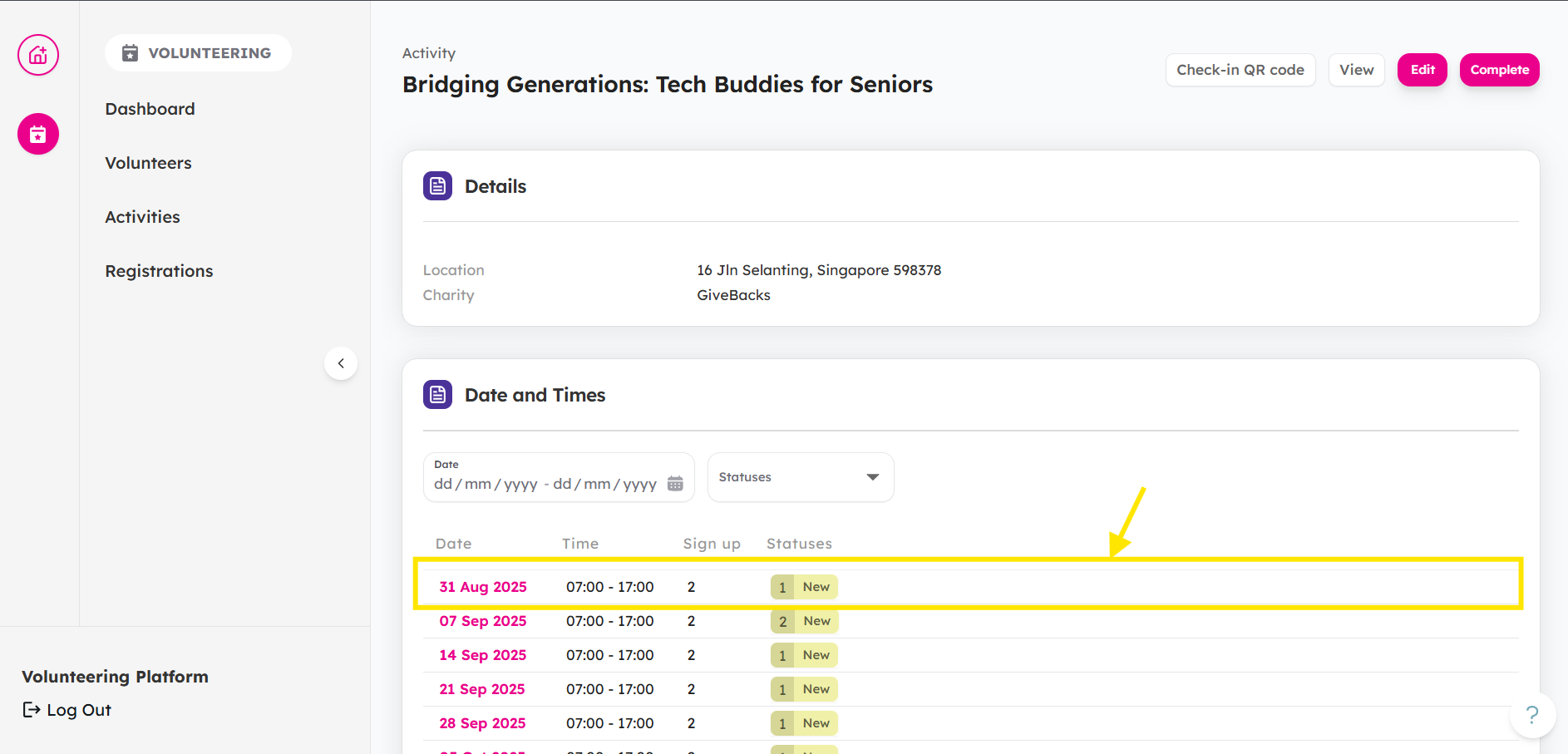
Navigate to "Activities" in the main menu,
-
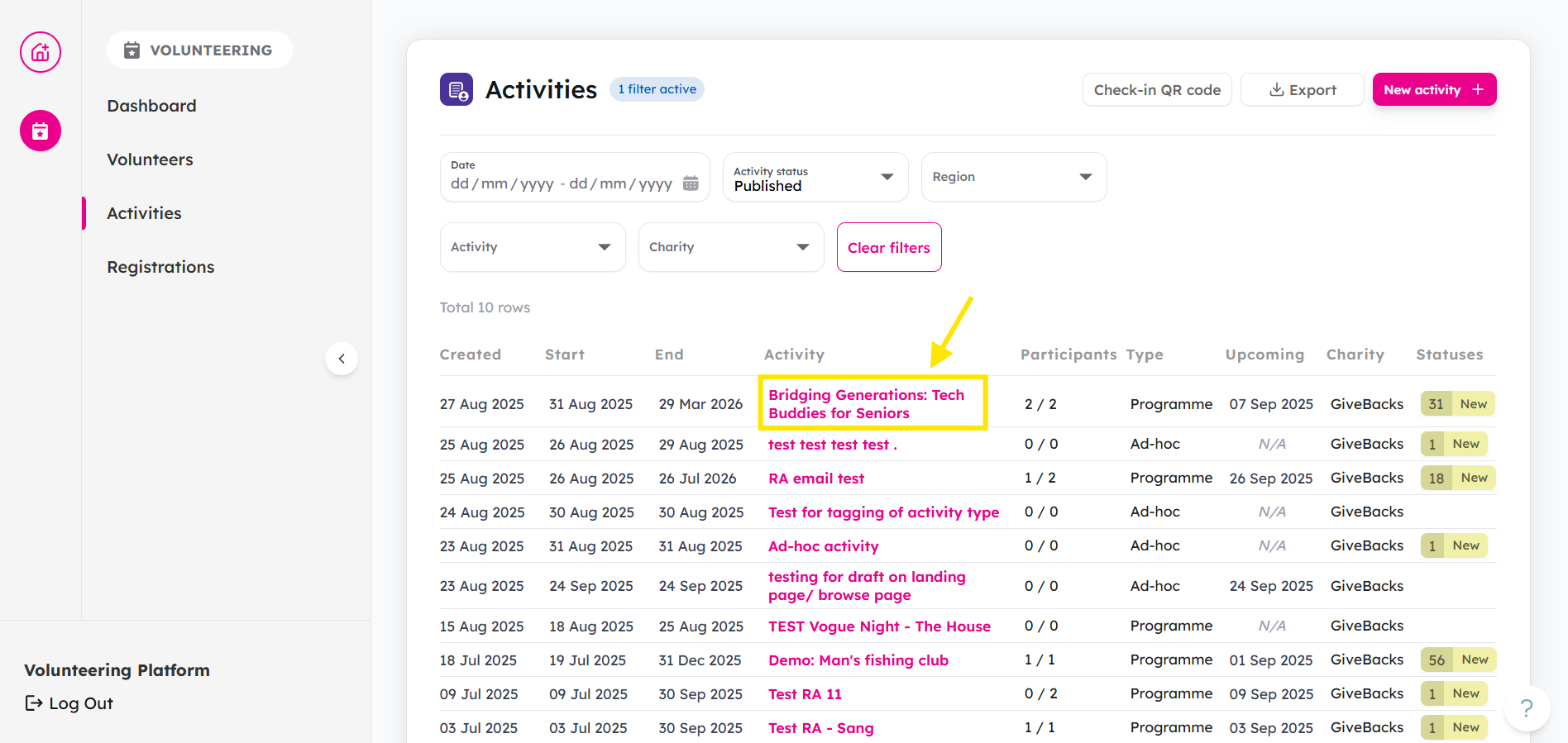
Select the specific activity that you would like to manage
-
Select the session date that you would like to manage
-
View the "Registration" tab to see all registrations with their statuses.

- If you would like manage their registration, consider reading about updating a Volunteer’s Status, and about accepting or rejecting volunteer registration
Coming Soon: Automatic email notifications when new volunteers registration for your activities. Until this feature is implemented, we recommend checking your dashboard daily for new registrations.