.png)
How to create a private volunteer listing?
You can make a volunteer listing private if you do not want it to appear publicly on the volunteer platform. This is useful for opportunities that are meant for a specific group of volunteers, internal sharing, or by-invitation registration only.
Private listings will not be visible to the public, but you can still manage them from your Activities tab.
Q: How do I create a private volunteer listing?
-
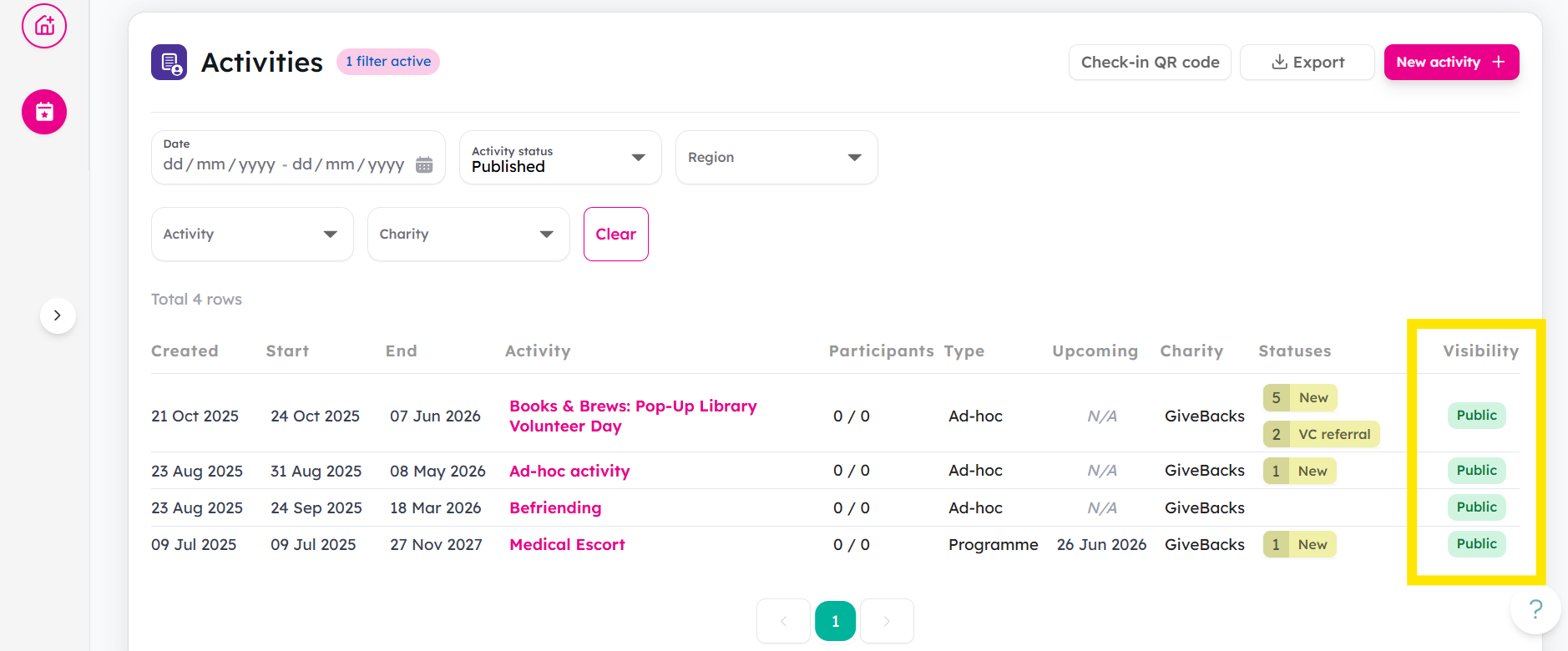
Go to the Activities tab. Here you can check the Visibility column to see whether each listing is currently marked as Public or Private.
-
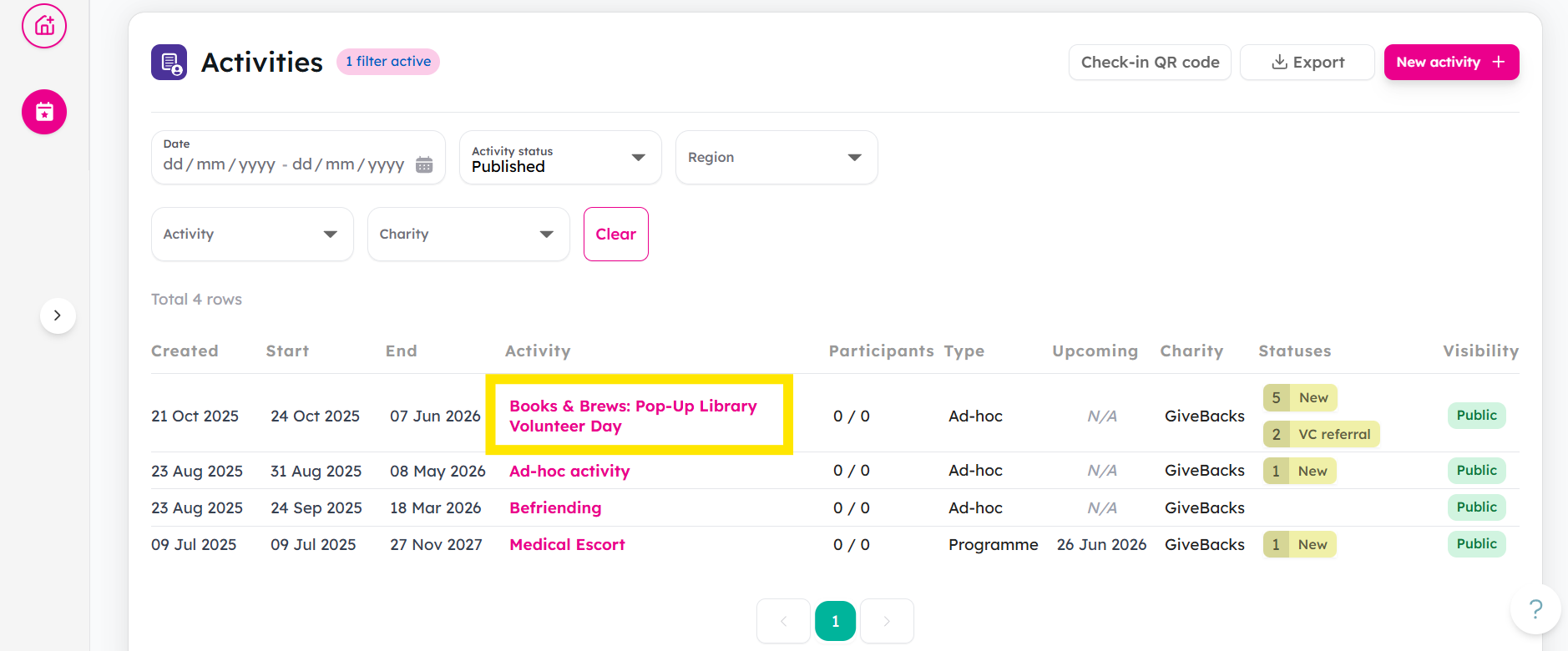
Select the activity that you would like to make private.
-
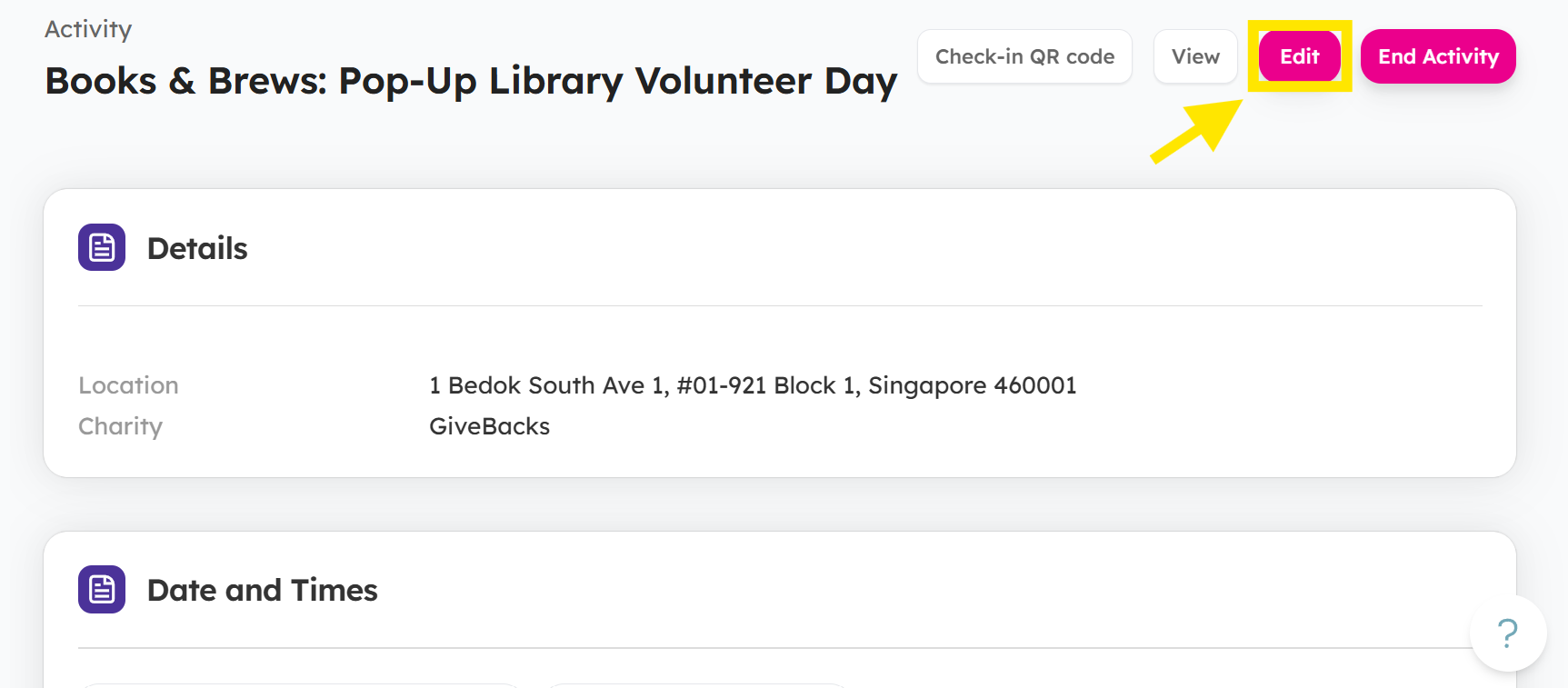
Click the Edit button.
-
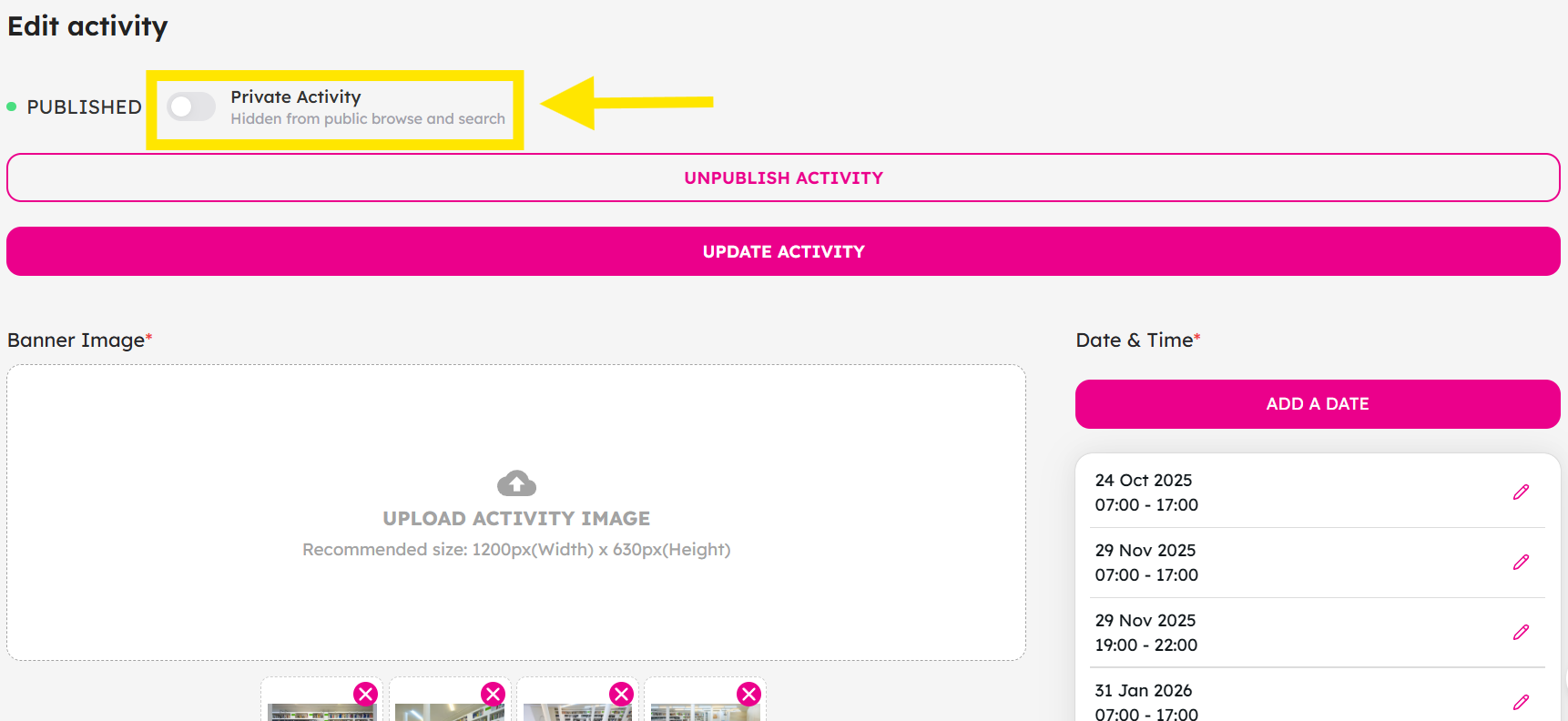
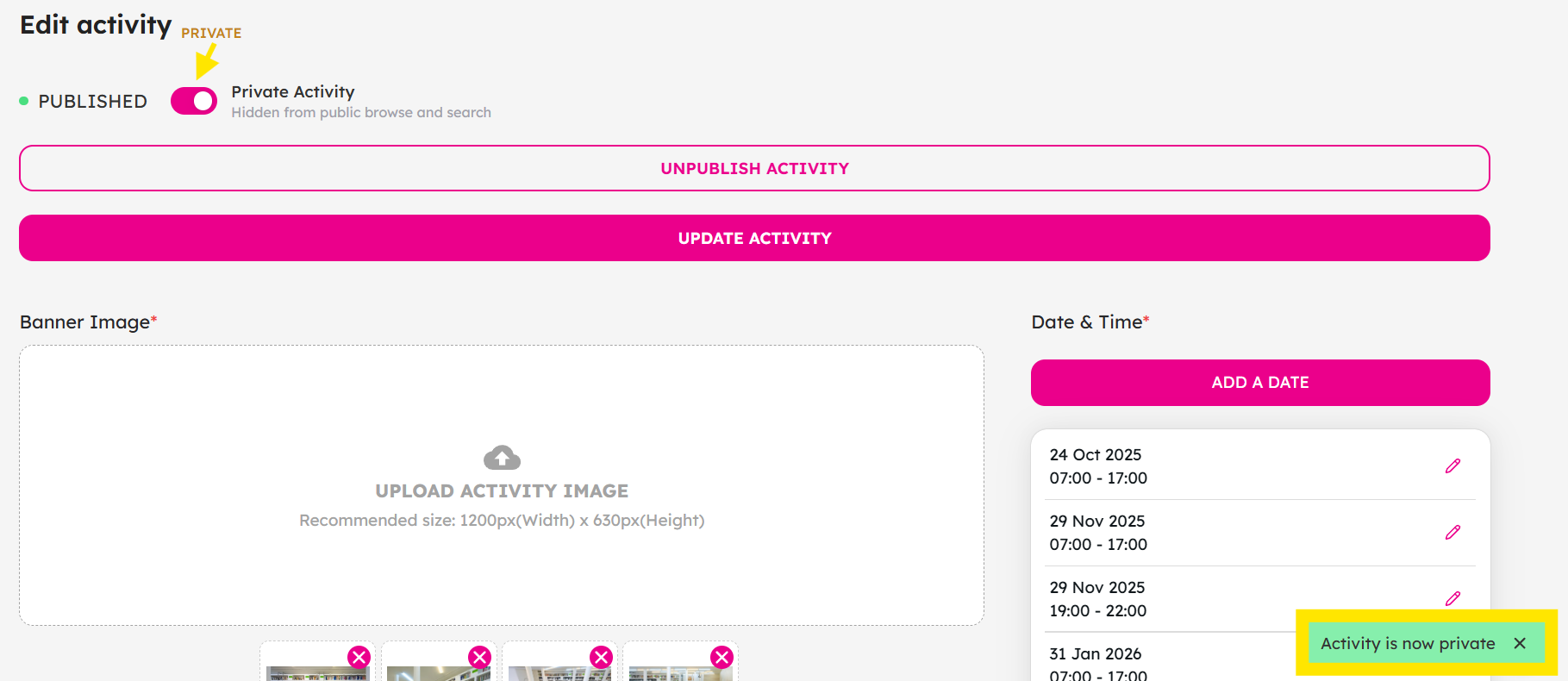
At the top section of the activity form, look for the Private Activity toggle.
-
Switch the toggle on to make the listing private.
-
Click Update Activity to apply the changes.
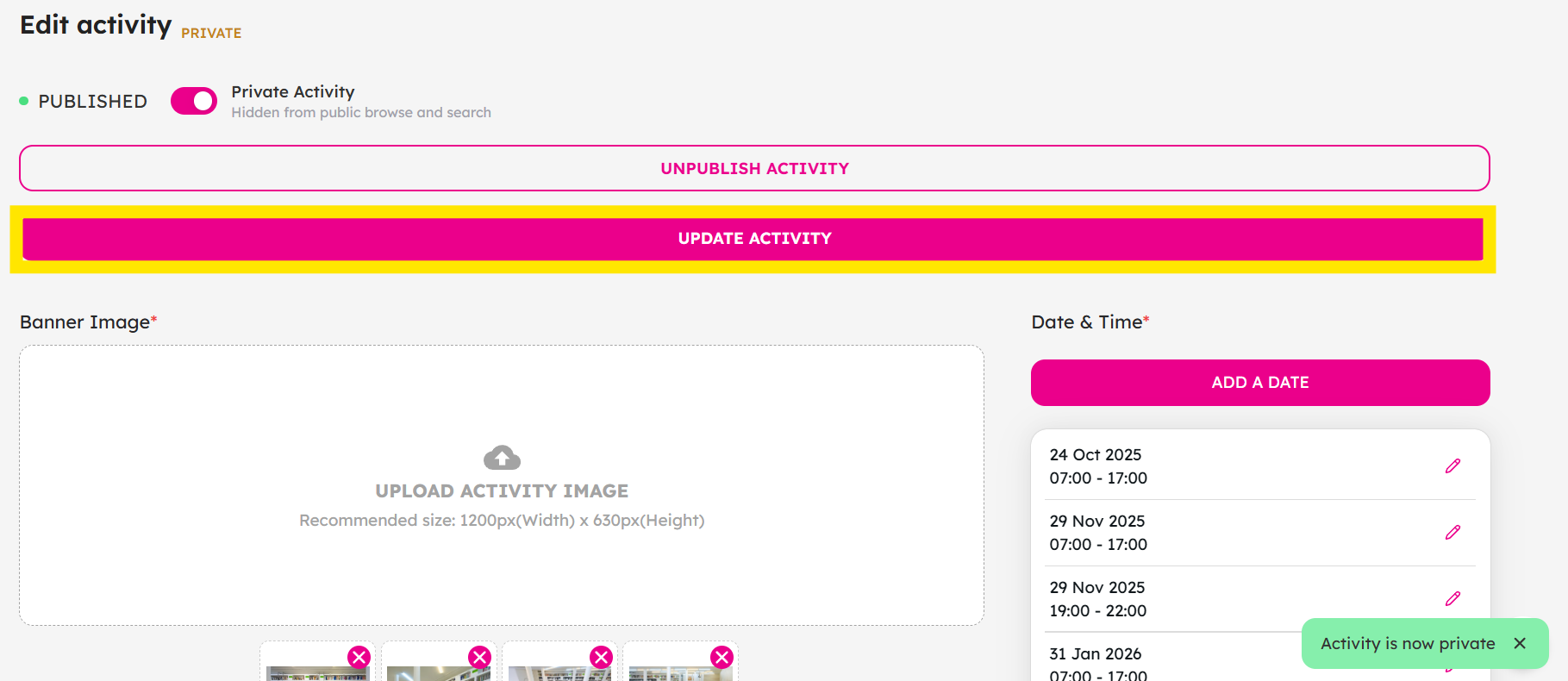
To make the listing public again, simply go back to the same activity, click Edit, and switch the Private Activity toggle off.
-
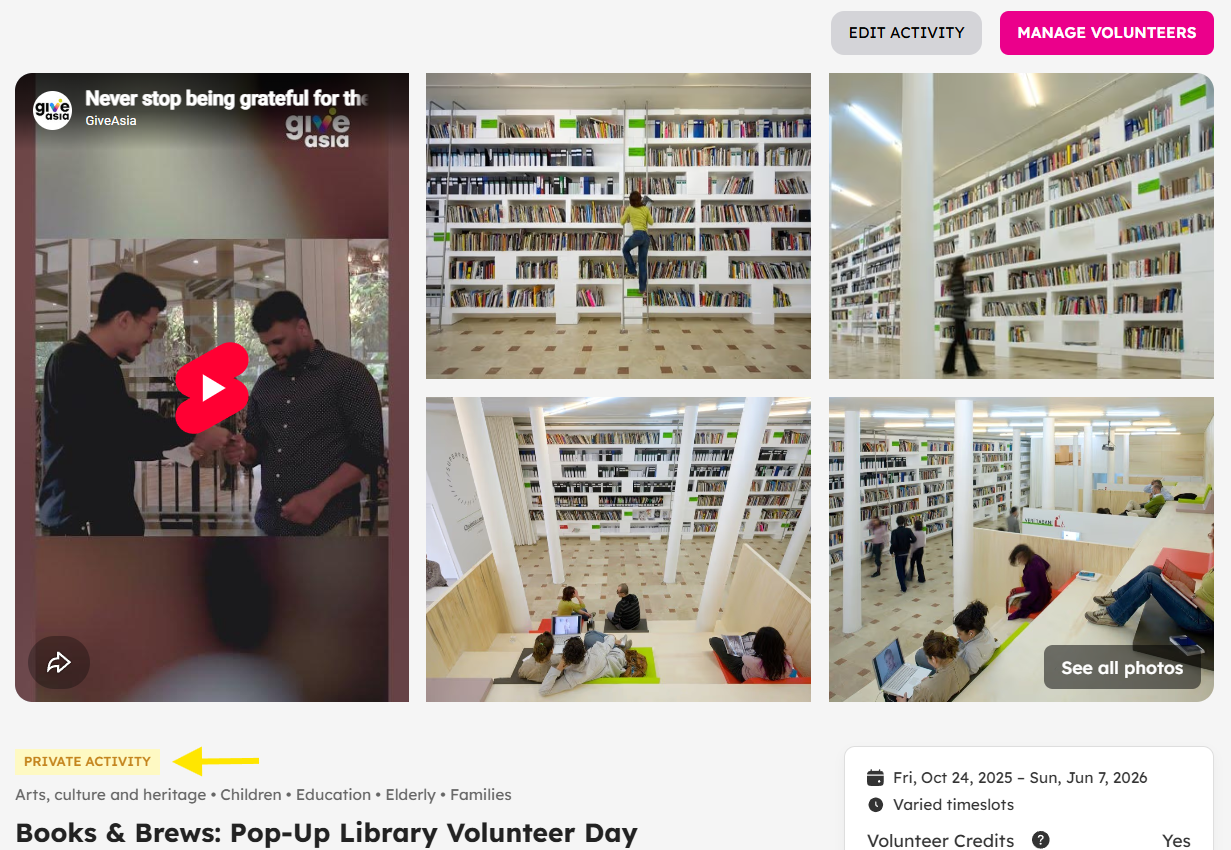
Your activity is now Private.
If you encounter any issues or would like to kickstart your volunteer recruitment journey with us, don't hesitate to reach out to us at: [email protected].