.png)
Getting Started: Community Partner and Charity Staff Account Creation
To get access, please ask your Volunteer Centre to add you, since charity staff cannot add themselves.
IN THIS ARTICLE
How do I log in as a Charity Staff for the First Time and Subsequently?
First-time login
-
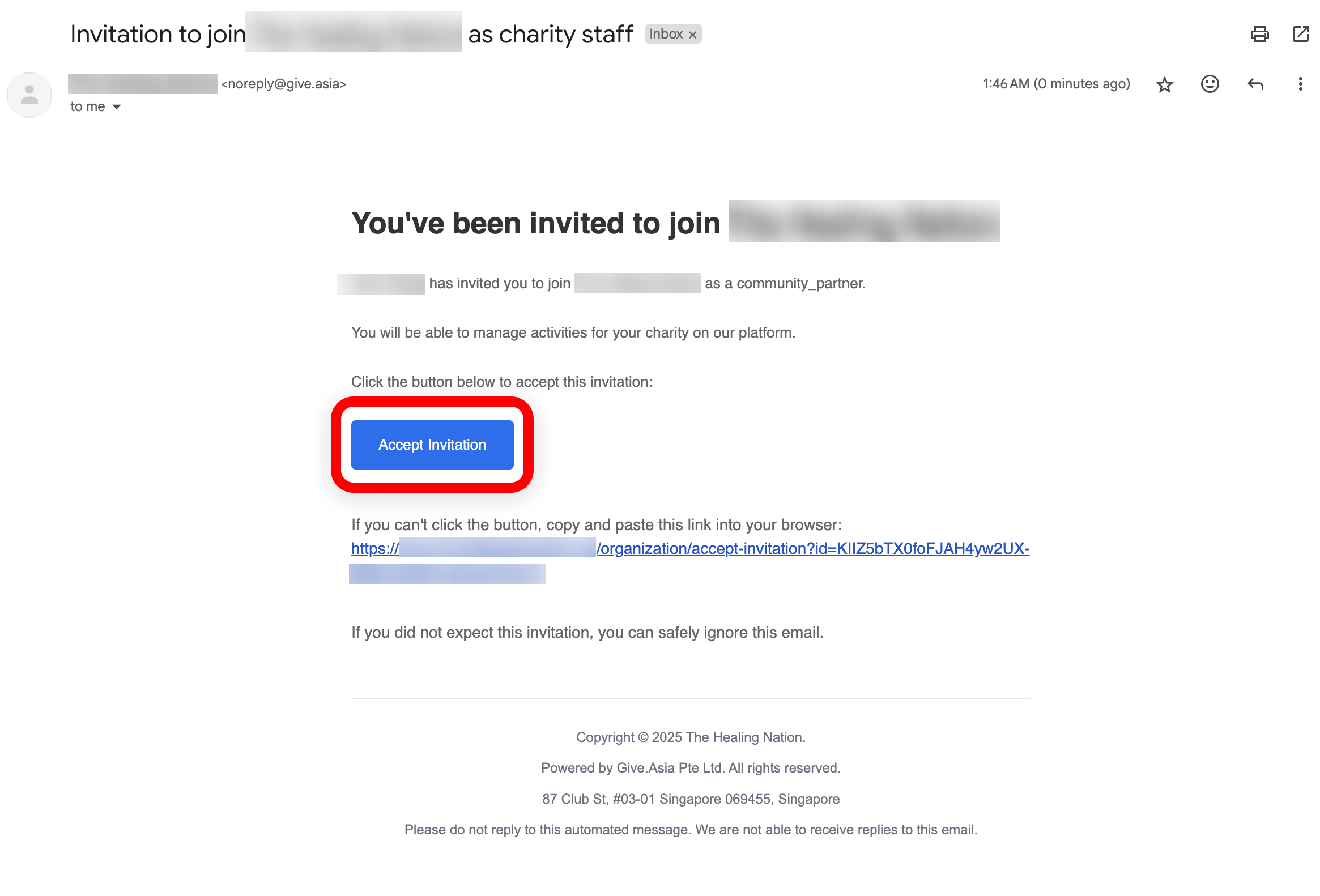
Once the VC team adds your chosen official work email as a charity staff, you will receive an email inviting you to join the platform via a link. Click ‘Accept Invitation’ to be directed to the sign-in page (do note that the link expires in an hour).
Please ensure to use the link from the invitation email instead of the welcome email.
-
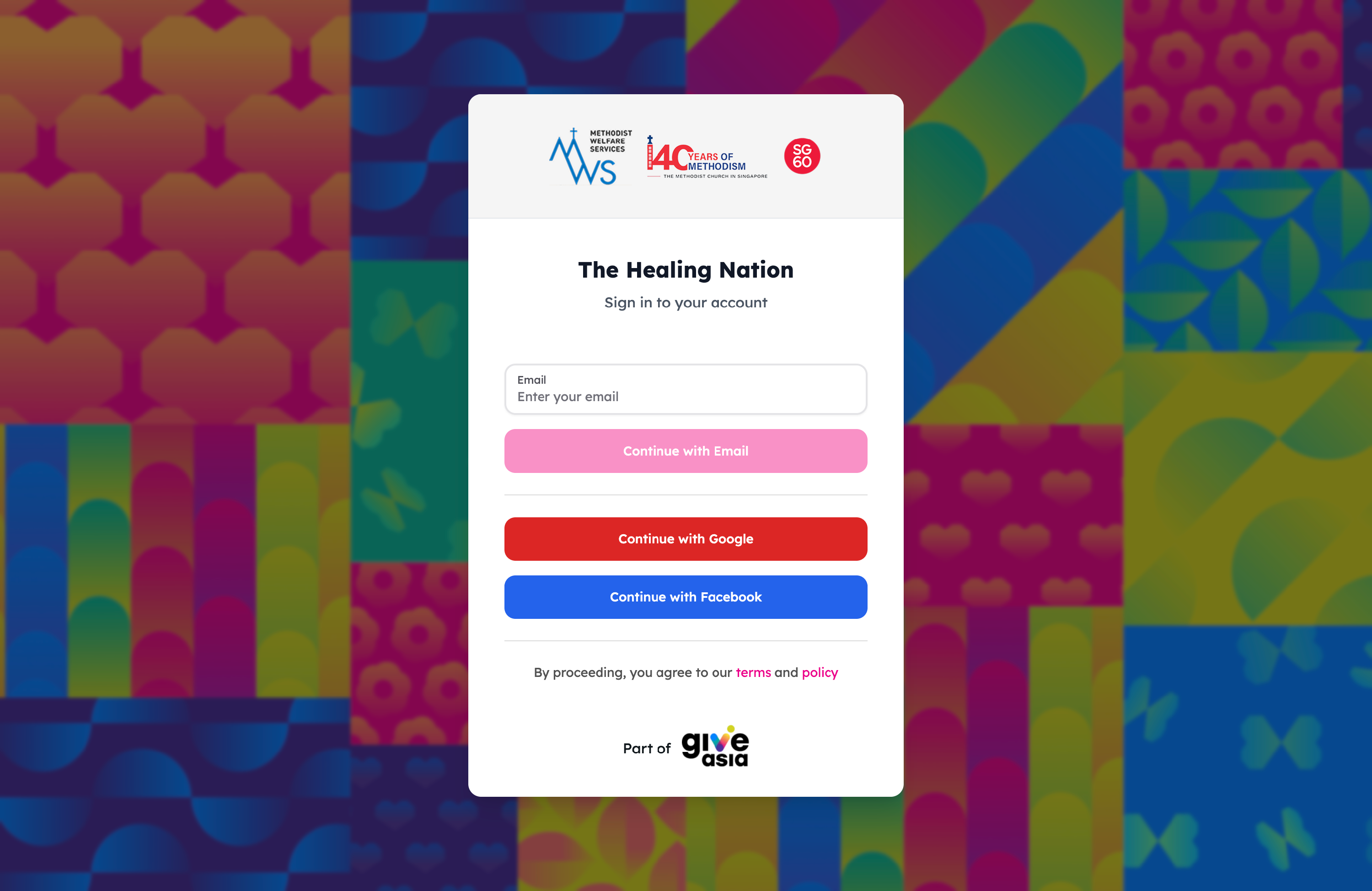
Enter your official work email into the white field (do note that the official work email must be the same as the one in step 1).
-
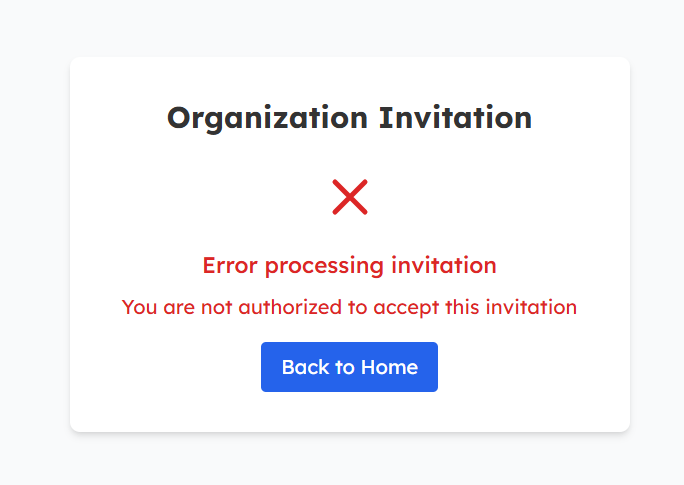
If you encounter an authentication error, please go back to the email and tap on the link again
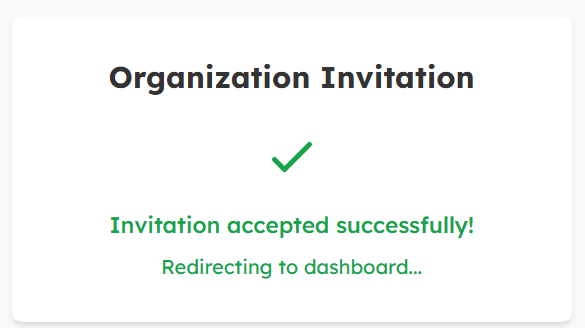
4. The invitation will be accepted and you will be redirected to the community partner dashboard.
Subsequent Logins
This step is required for all subsequent logins, not just at the point of account creation.
Choose a log in method
| Logging in with Email |
|
| Logging in with Google |
Click Continue with Google, this will automatically redirects you to the homepage of the platform.
|
| Logging in with Facebook |
Click “Continue with Facebook.” You’ll be redirected to a page requesting access. Select “Continue as [Your Name]”, and you’ll be taken back to the platform.
Note: Please login to the Facebook account tied to your work email address! |


