.png)
Managing and Viewing Volunteer Profile
Your volunteer profile is the key to receiving the most relevant volunteering opportunities. Keeping it up to date ensures that the platform can send you activity recommendations that match your skills, interests, and availability.
IN THIS ARTICLE:
Q: How do I access my profile?
Accessing your profile is easy! Simply follow these steps to access:
-
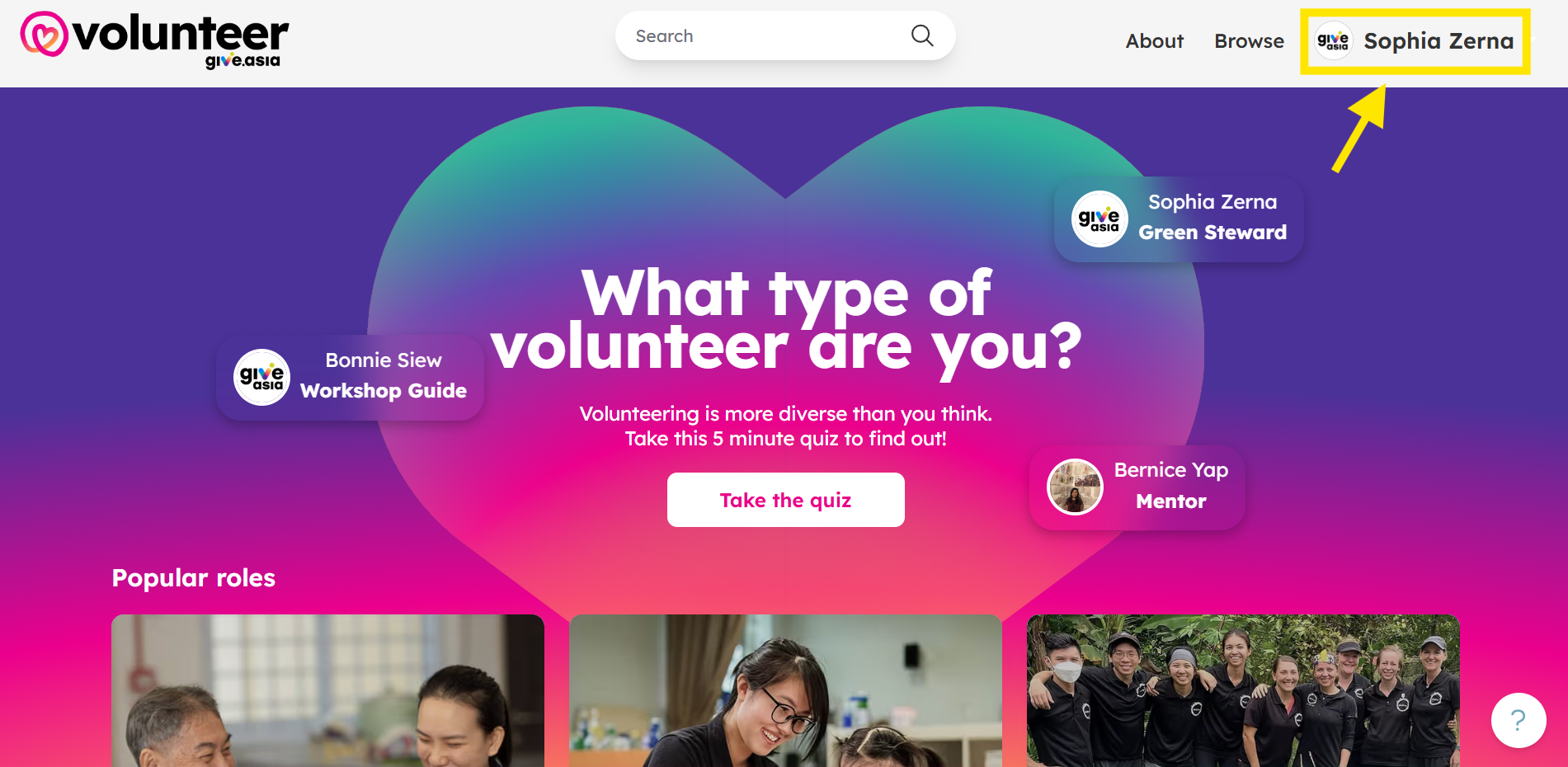
Click on your name on the top right corner.
-
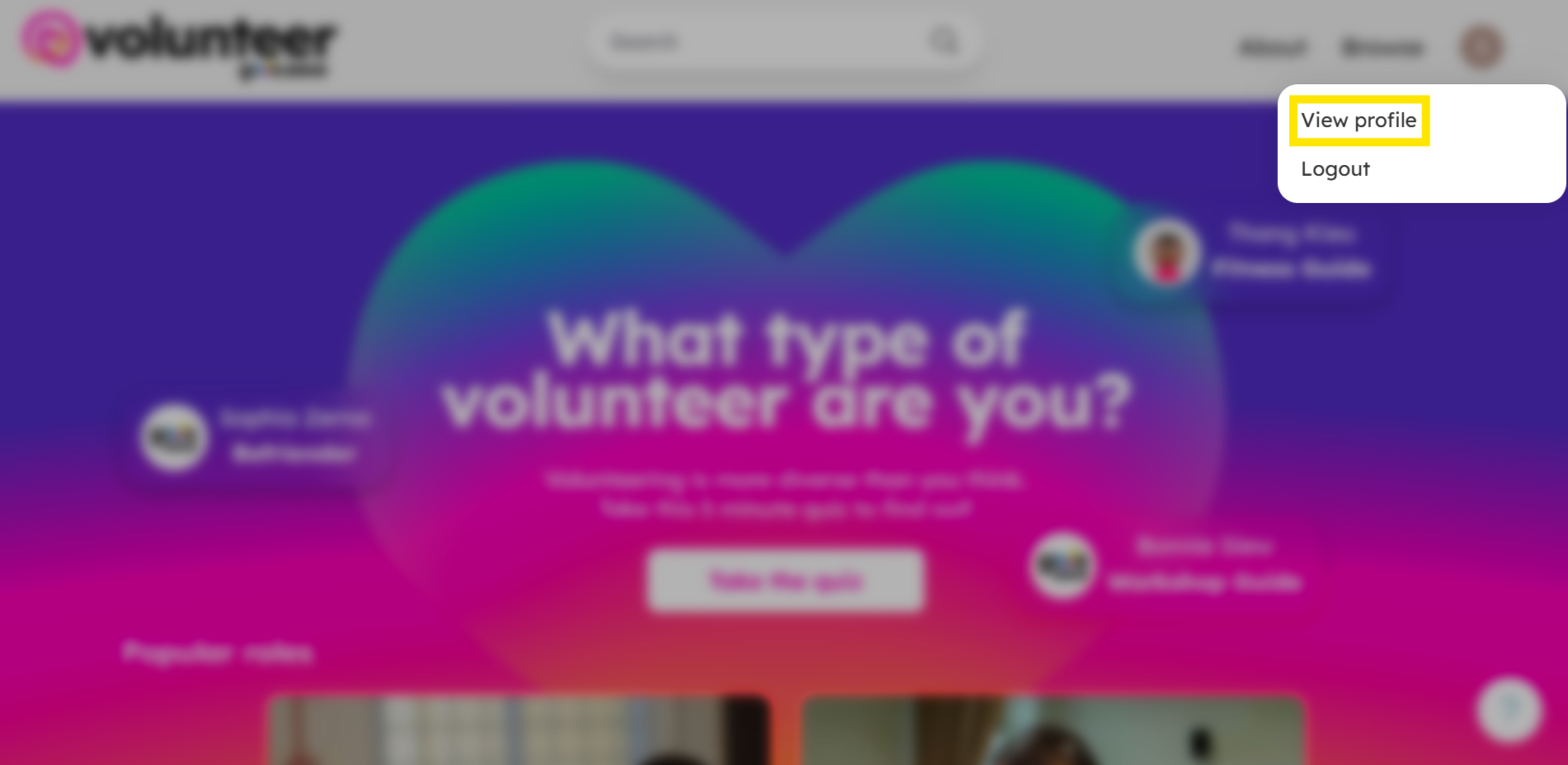
Click on View Profile.
-
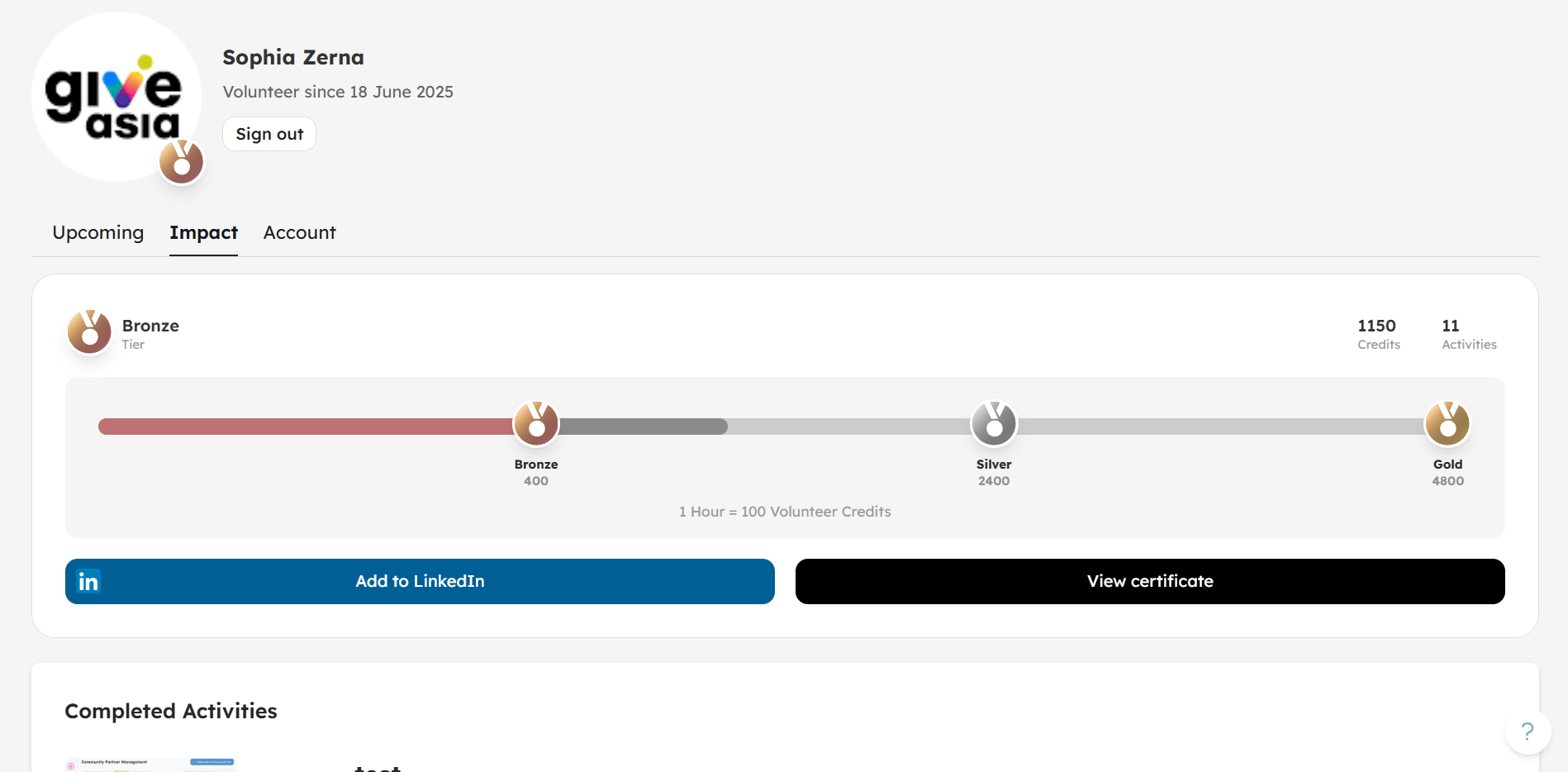
You will access your profile.
Q: What can I update in my volunteer profile?
You can edit your Personal information: your name, postal code, phone number, and profile image.

Q: What else can I view in my volunteer profile?
Under the Impact tab, you can view the following:
- Volunteer Credits for your completed activities

- Volunteer Certificate for completed activities

- Upcoming Activities: You can also track upcoming activities simply by clicking on the Upcoming tab in your profile:

Q: Can I manually cancel my registration within my profile if I can no longer make it?
Unfortunately at the moment you cannot do so. Please refer to this article for more information.