.png)
Earn Your Volunteer Certificate: Recognition & How to Share It
Volunteers who have completed an activity can receive a Certificate of Appreciation through the platform. This feature recognises their contribution and allows them to showcase their volunteering efforts.
IN THIS ARTICLE:
How to Receive Certificate
-
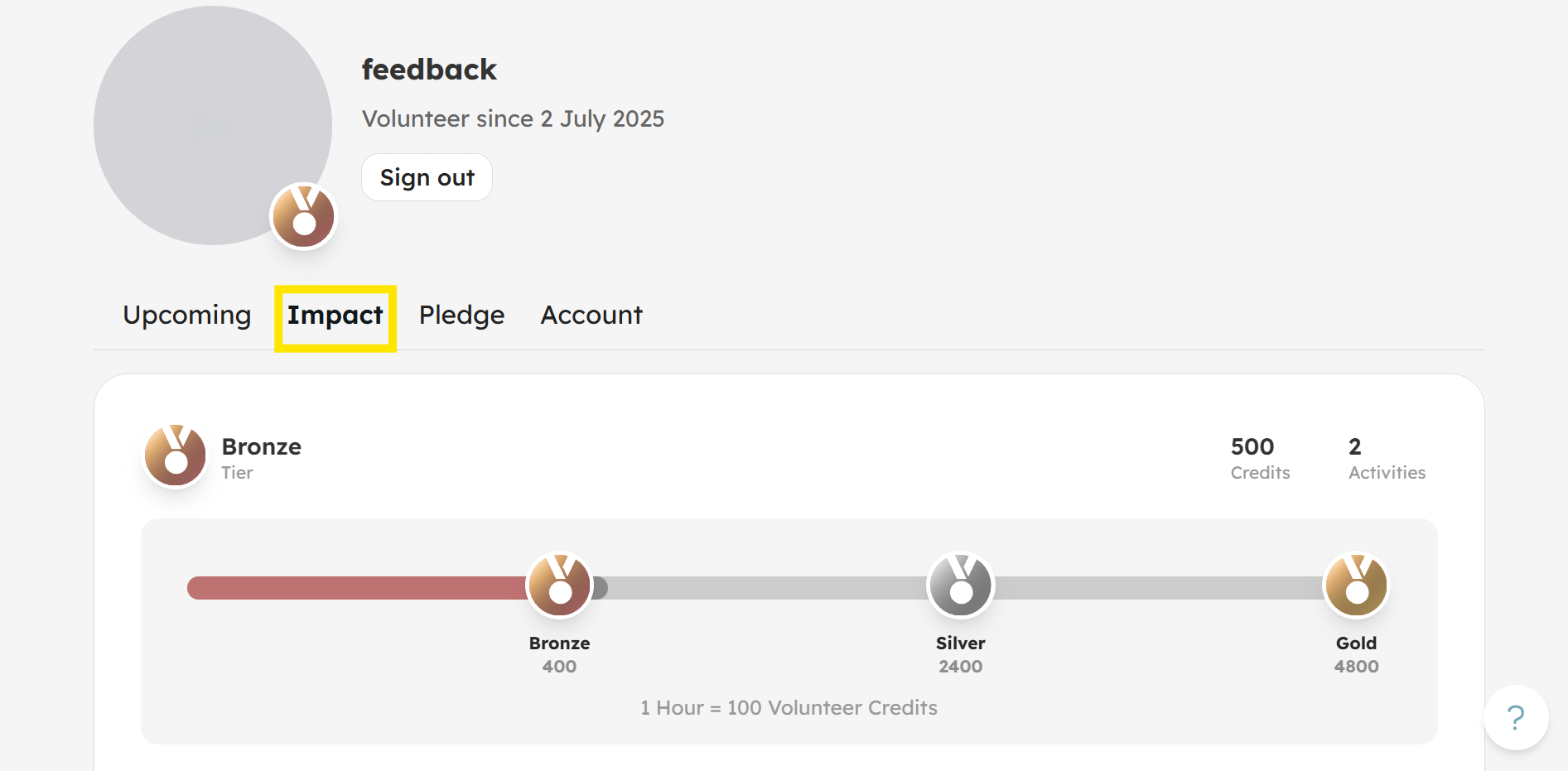
From you Profile, click on Impact tab.
-
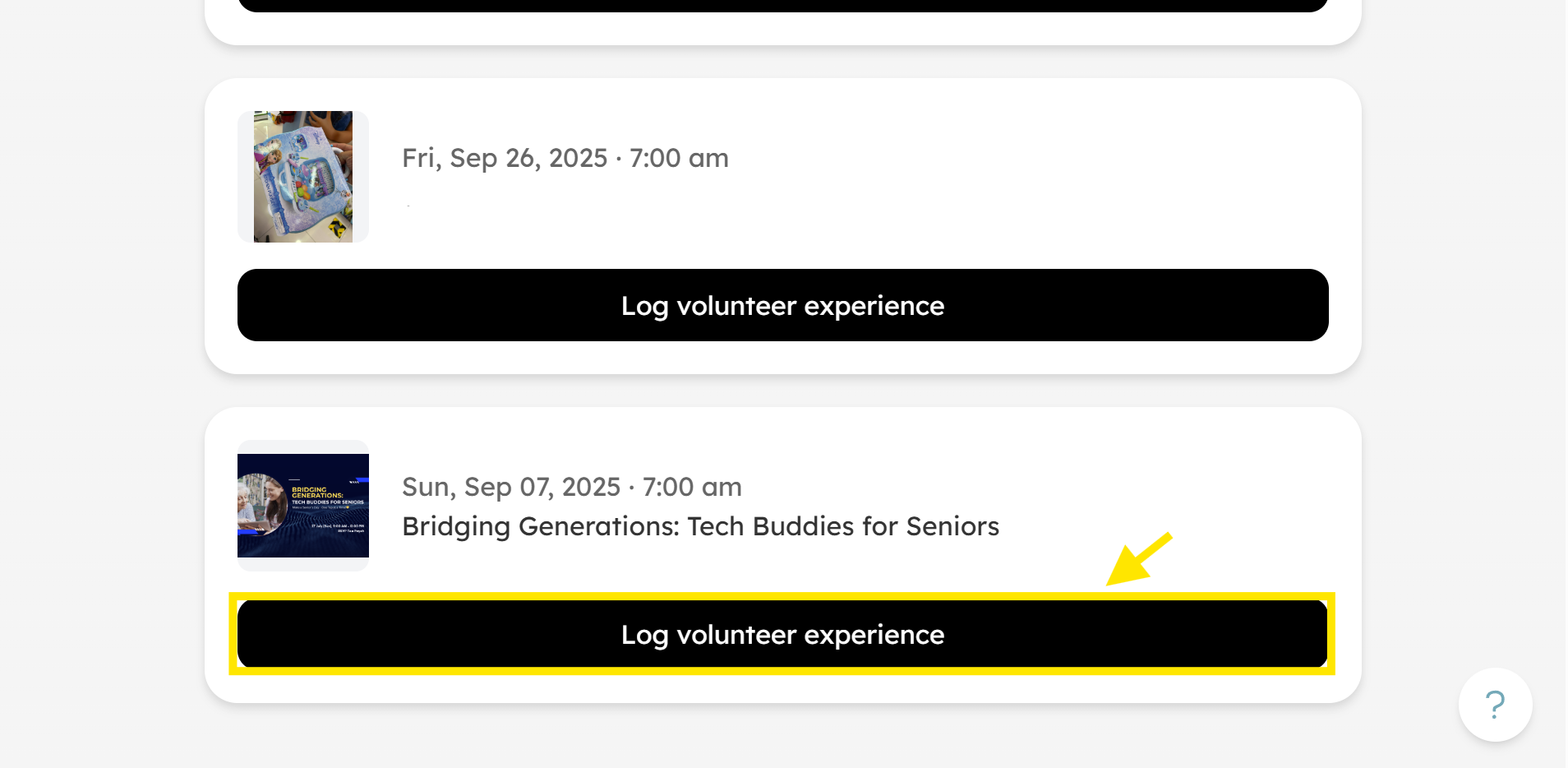
Scroll down to the activities you volunteered for and click Log volunteer experience.
-
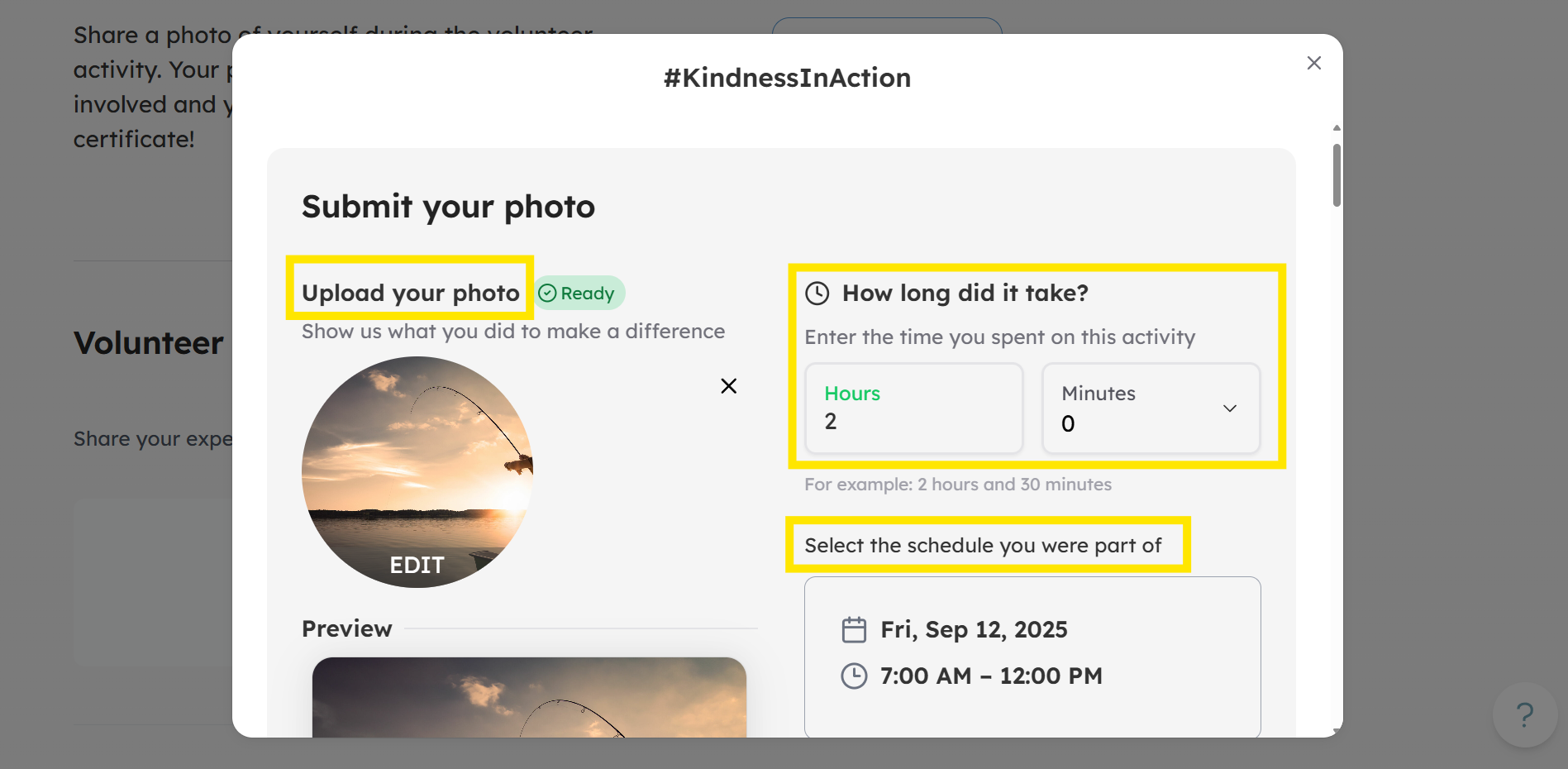
Log your hours and submit a photo using #KindnessInAction.
-
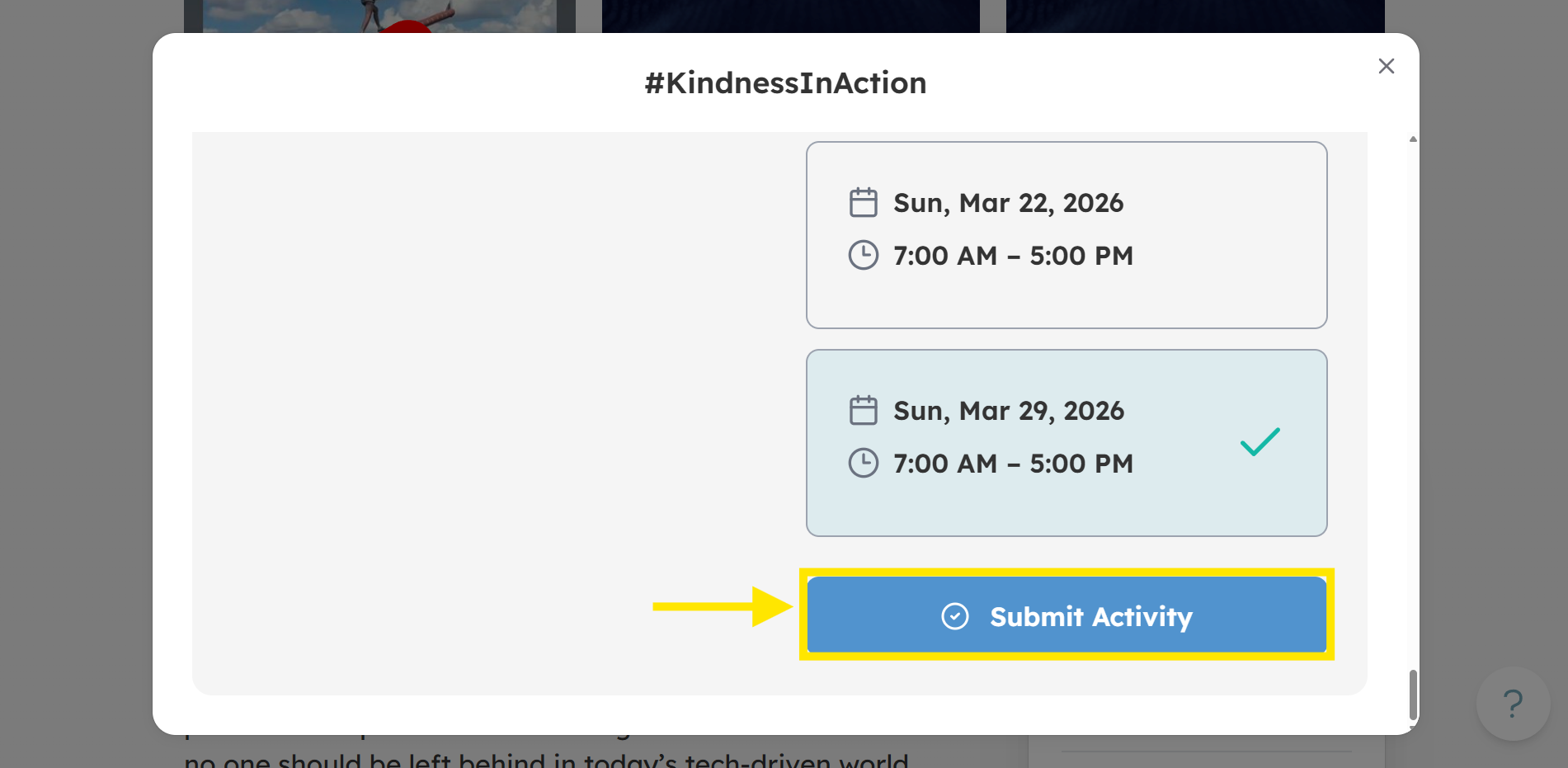
Click Submit Activity.
-
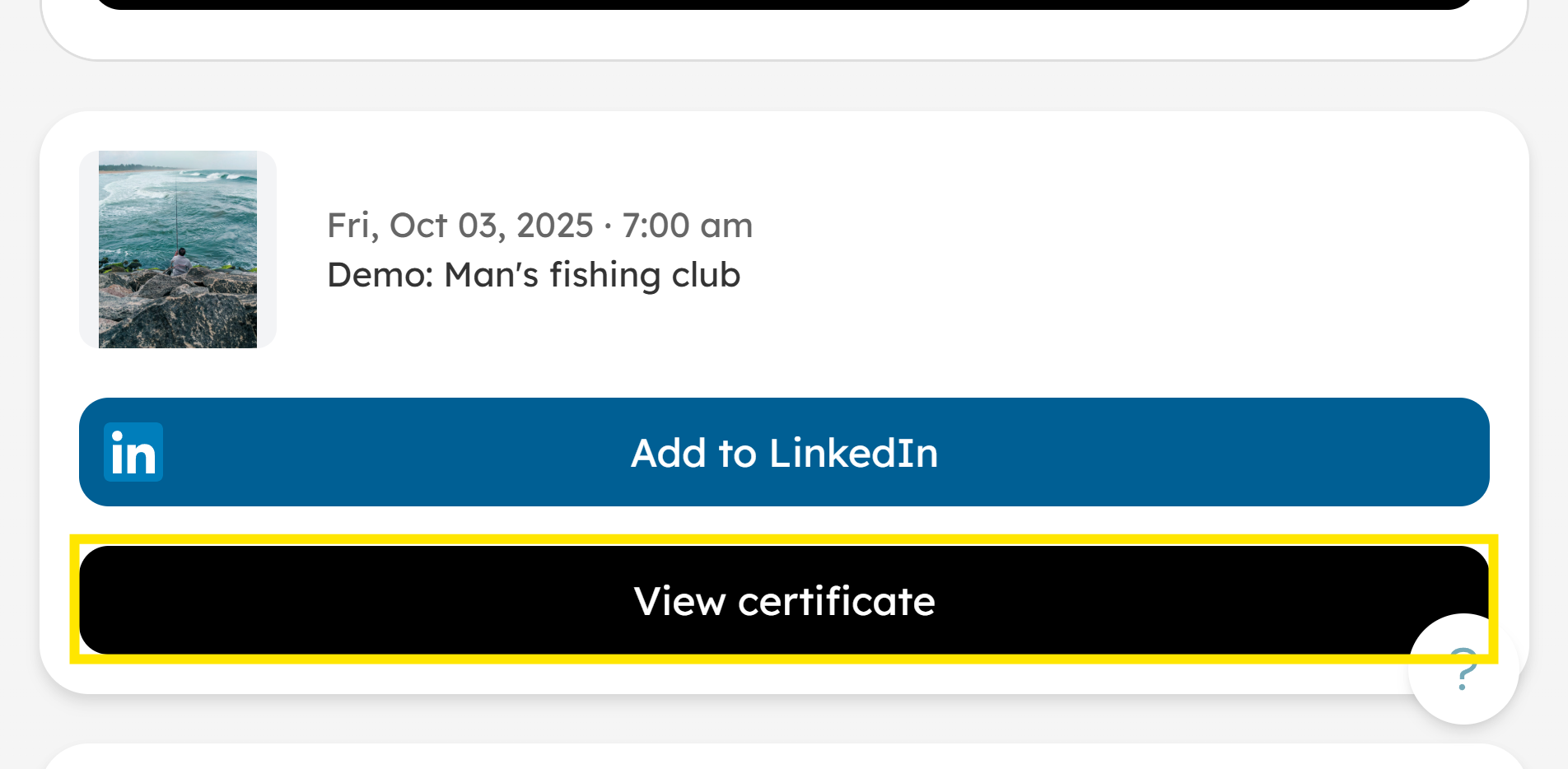
You can now view your certificate and add it to LinkedIn.
How to View Certificate
-
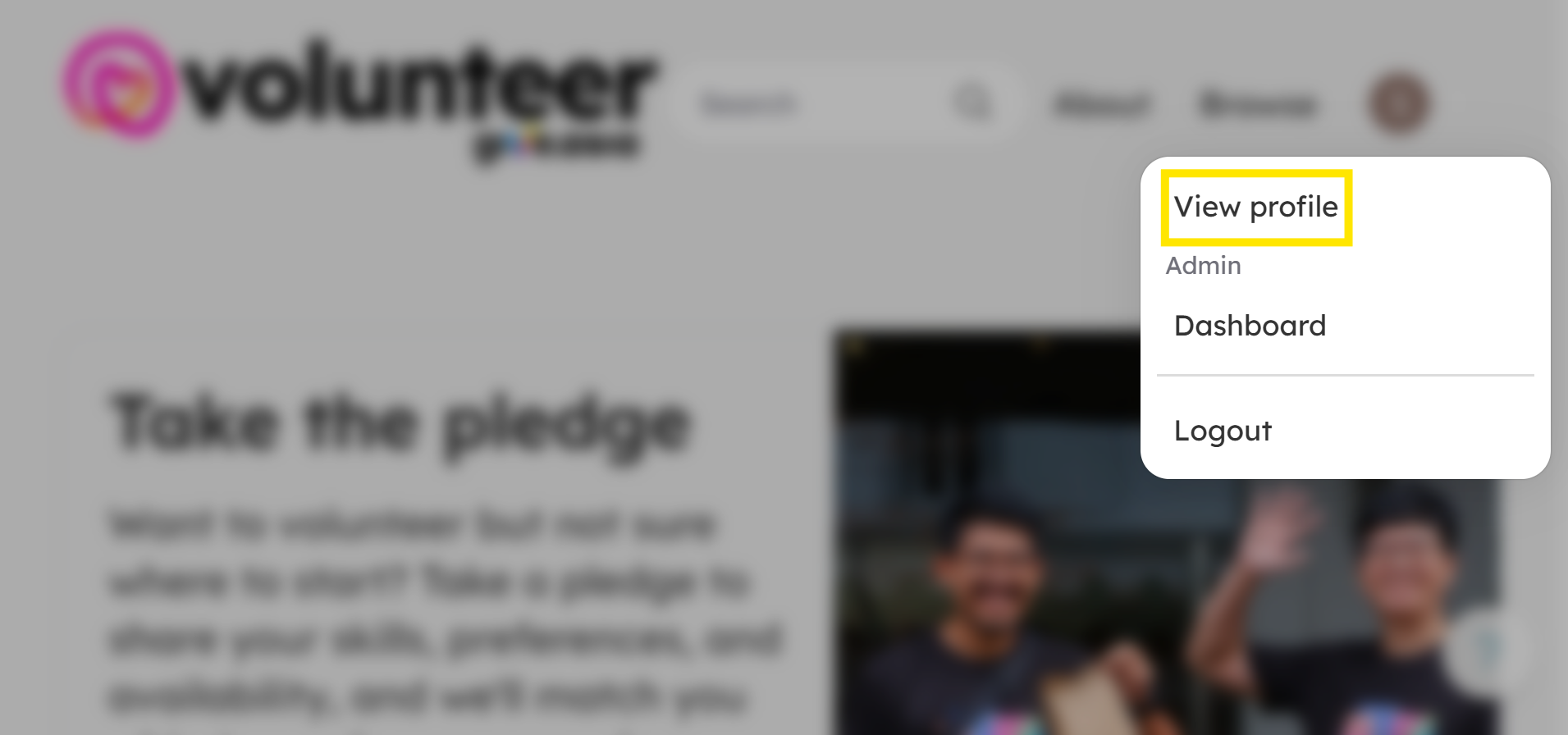
From the home page, click on your profile icon (located at top right corner of website). Click View Profile.
-
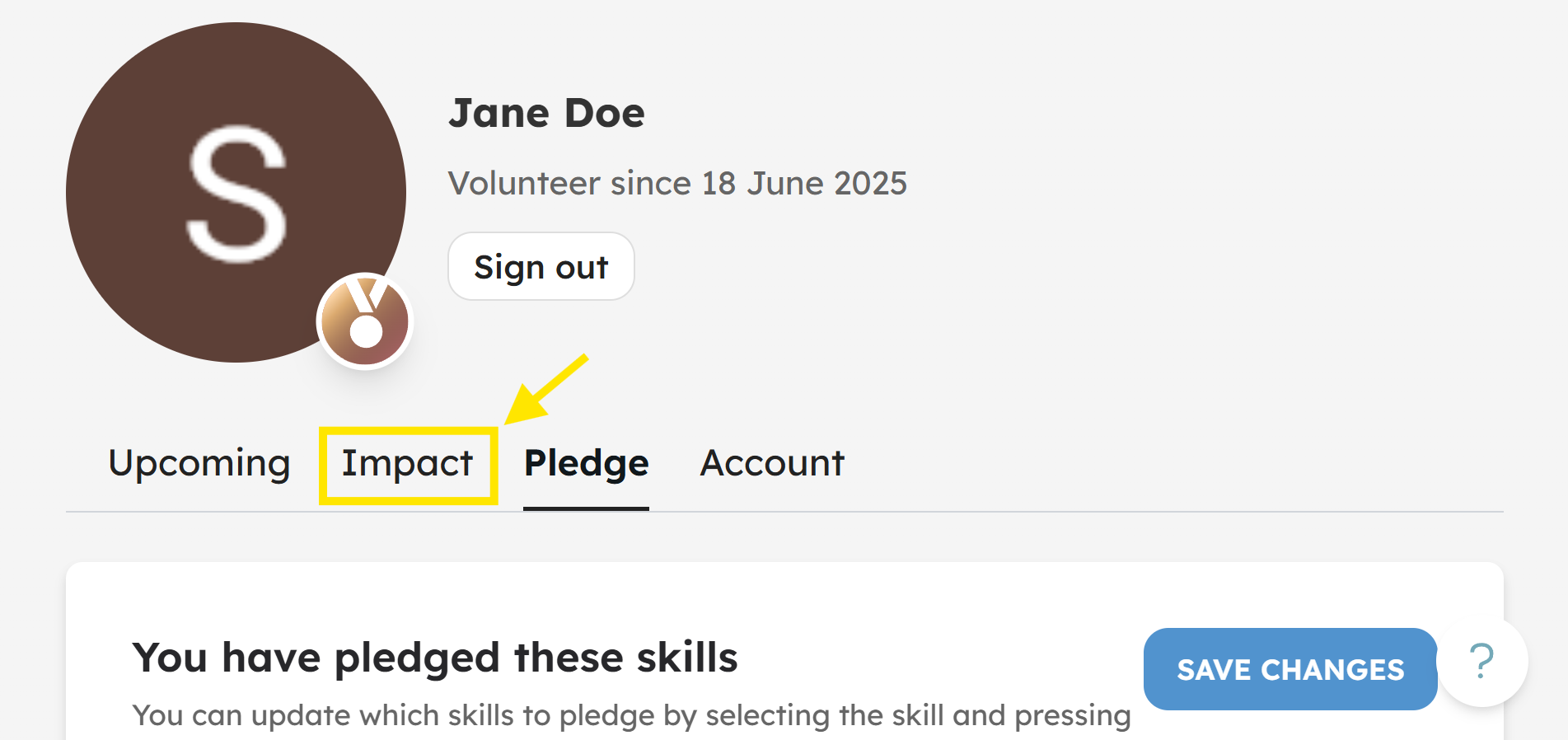
Click on Impact to view Volunteer Credits.
-
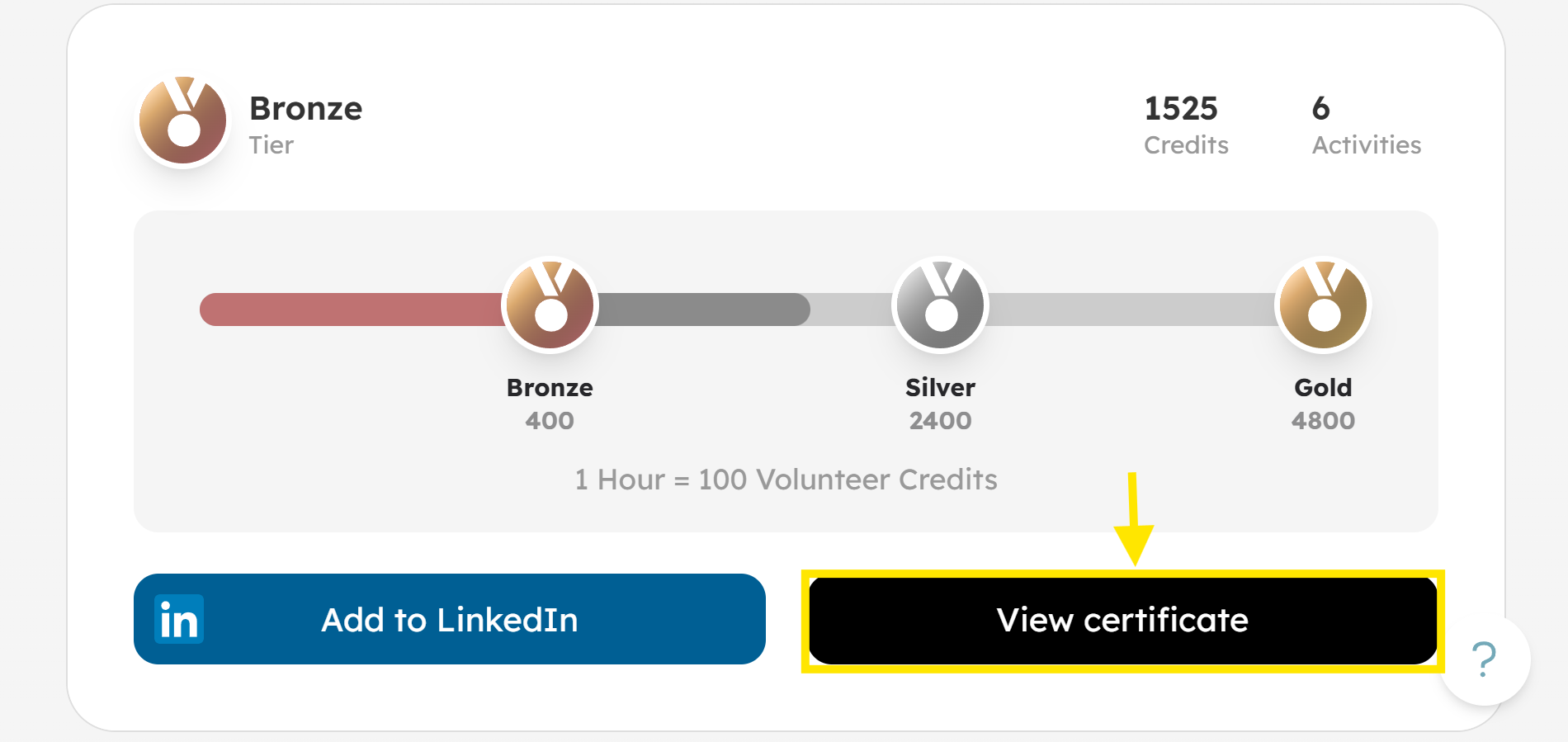
Click View Certificate to open and review your certificate.
-
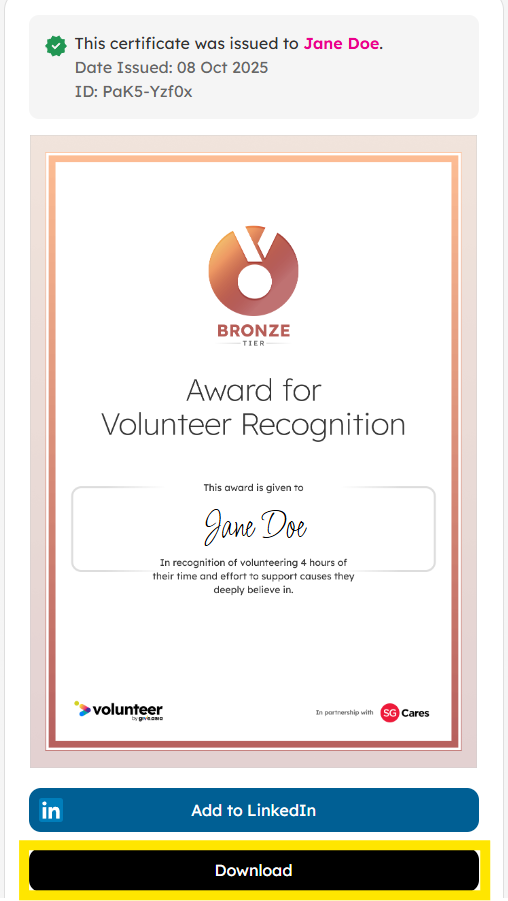
Click Download to save a copy of your certificate. The certificate includes your name, tier level (determined by your volunteer credits), and the total number of hours you have volunteered.
How to Add Linked In
-
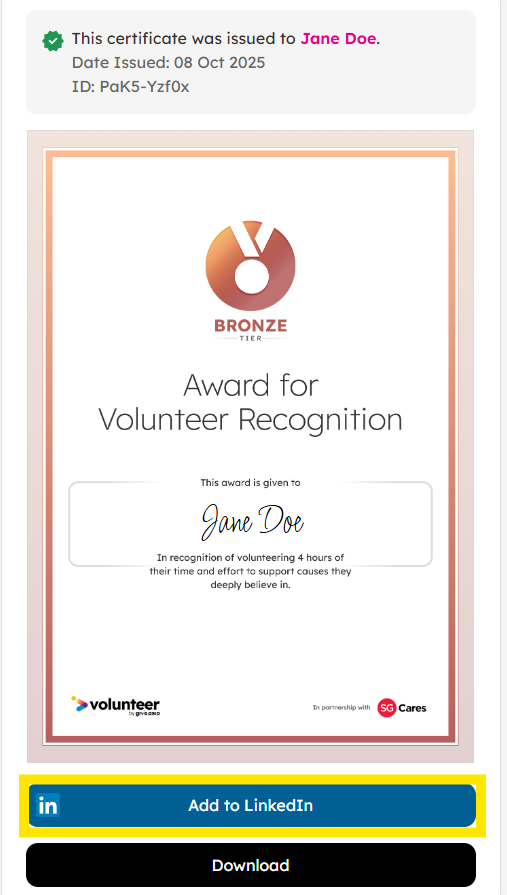
From the certificate page, click Add to LinkedIn.
-
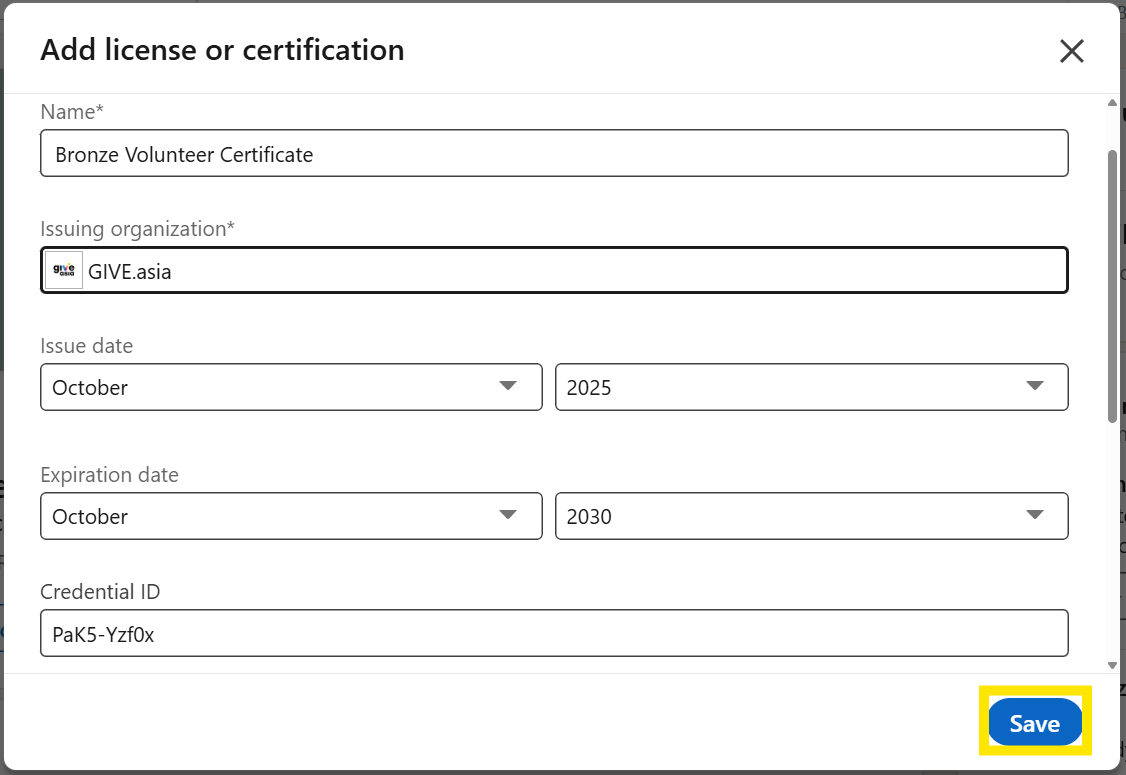
You will be redirected to LinkedIn, click Save to add your certificate.
-
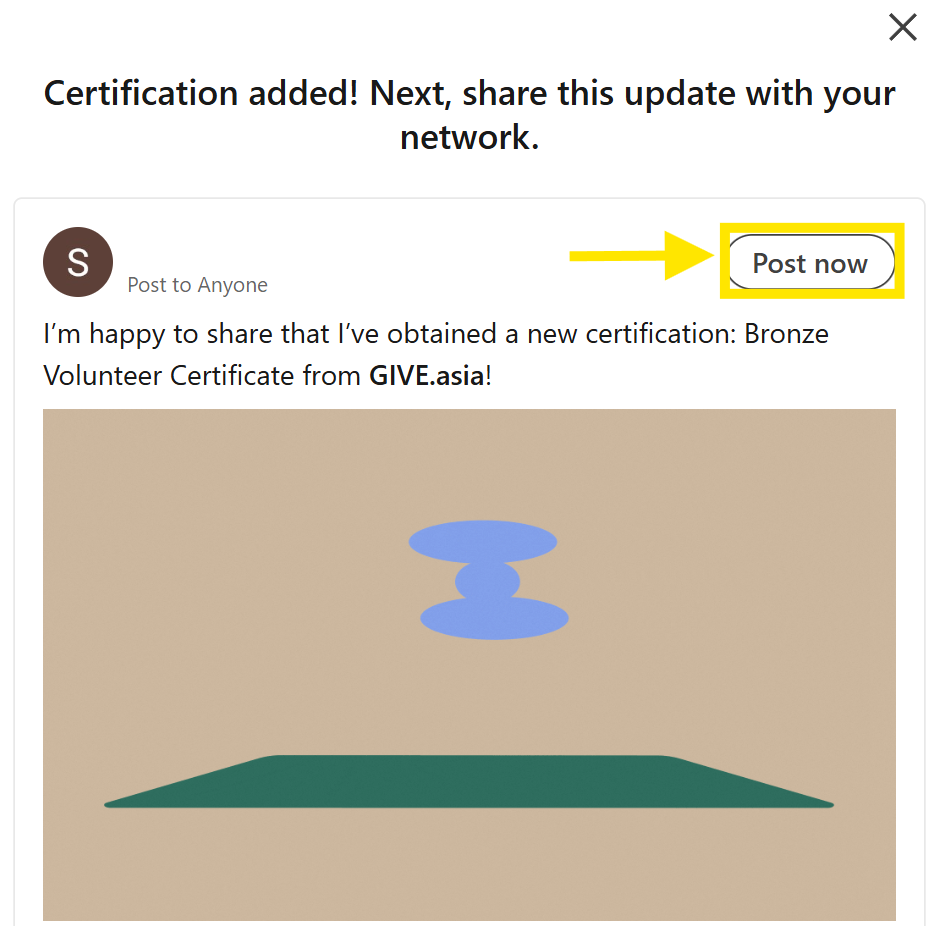
Click Post Now to share to your network.
Experience the Joy of Volunteering - Visit Volunteer.Give.Asia Now
If you encounter any issues or have questions, don't hesitate to reach out to us at: [email protected].
Your feedback matters, so feel free to drop us a line anytime!