.png)
How to log in as a volunteer?
Logging in to your volunteer account allows you to browse opportunities, manage your profile, view your registrations, and receive activity recommendations that match your interests and availability.
IN THIS ARTICLE:
Logging in with Email
-
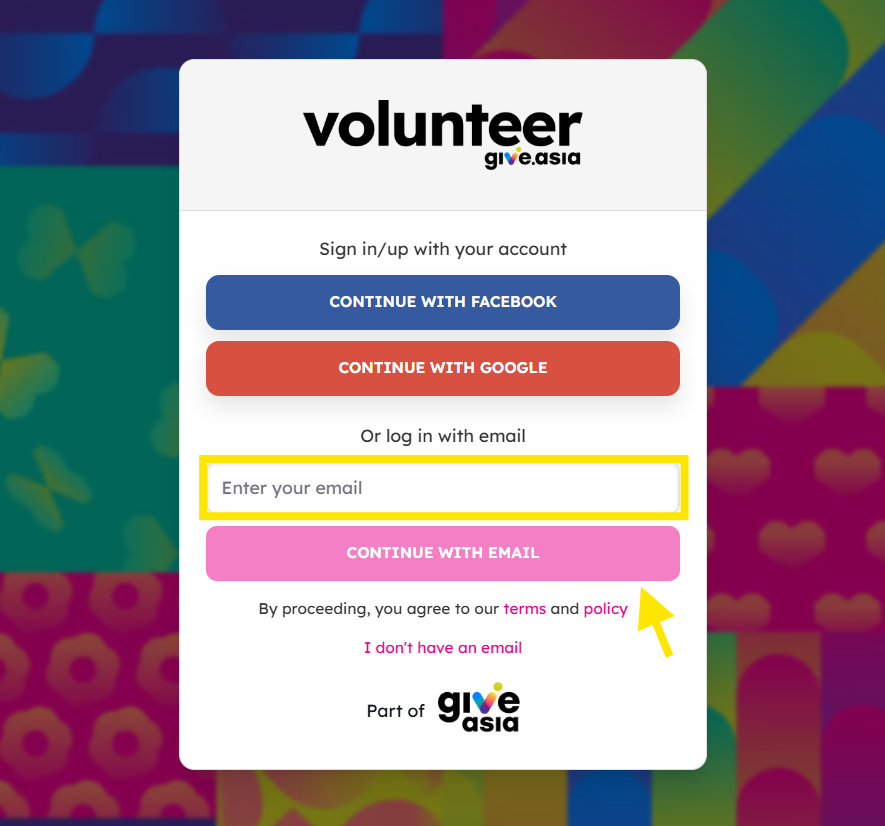
Enter your email address and click Continue with Email.
-
Check your inbox for the welcome email.
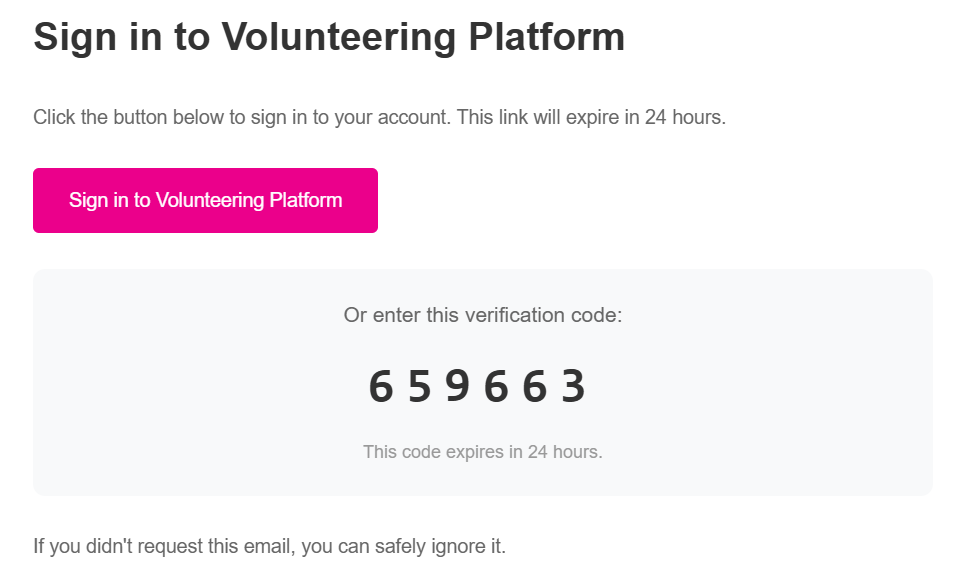
- Choose either one of the following ways to log in:
- Click “Sign in to Volunteering Platform” in the email (magic link), or
-
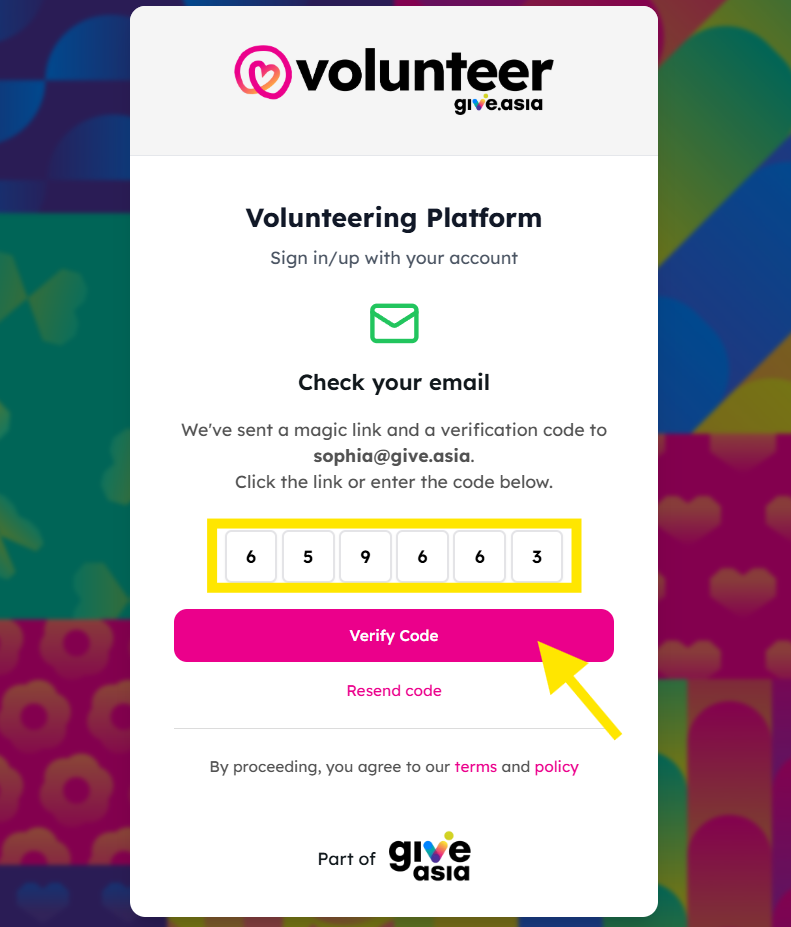
Enter the verification code (OTP) shown in the email on the login page.
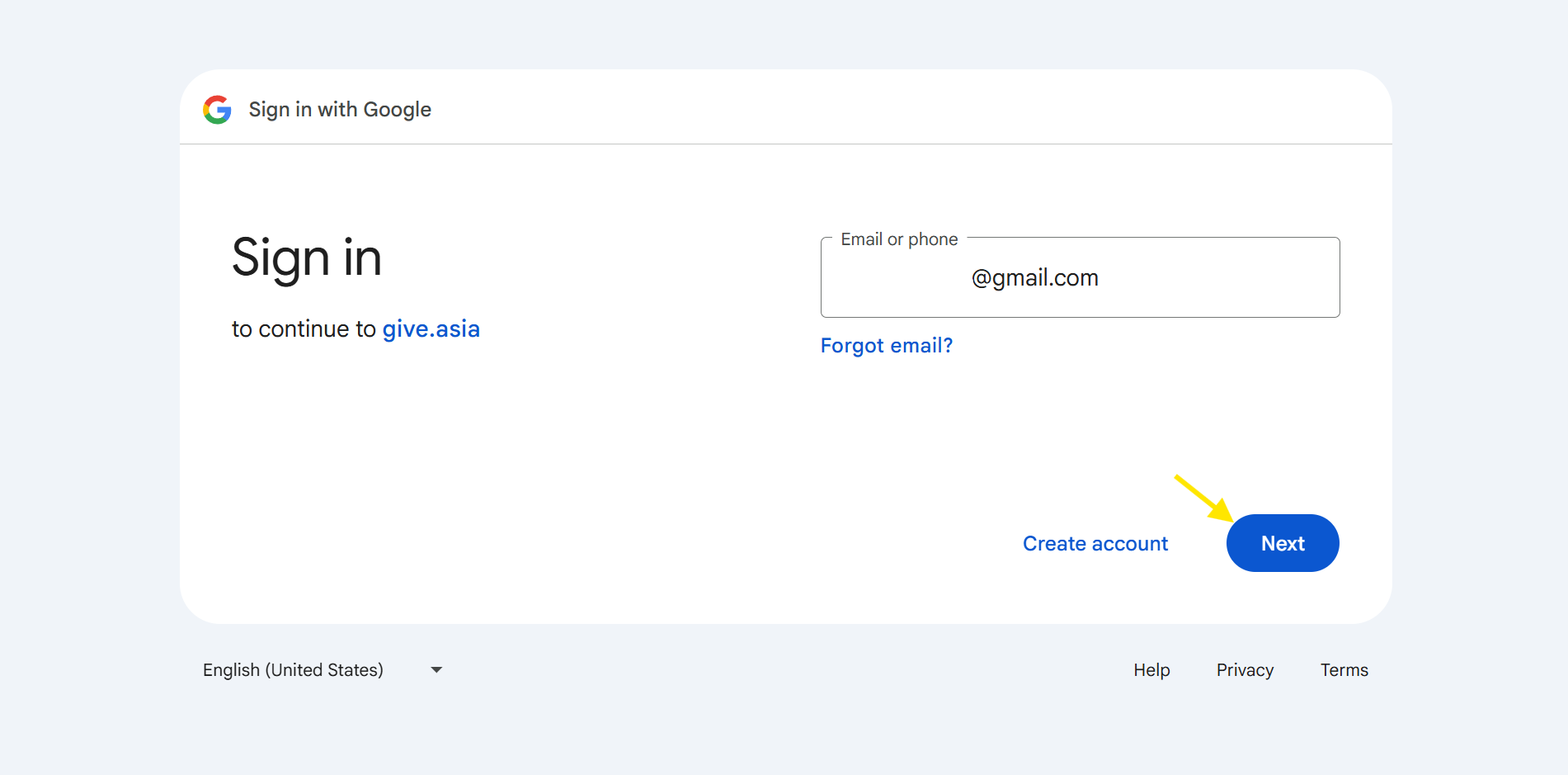
Logging in with Google
-
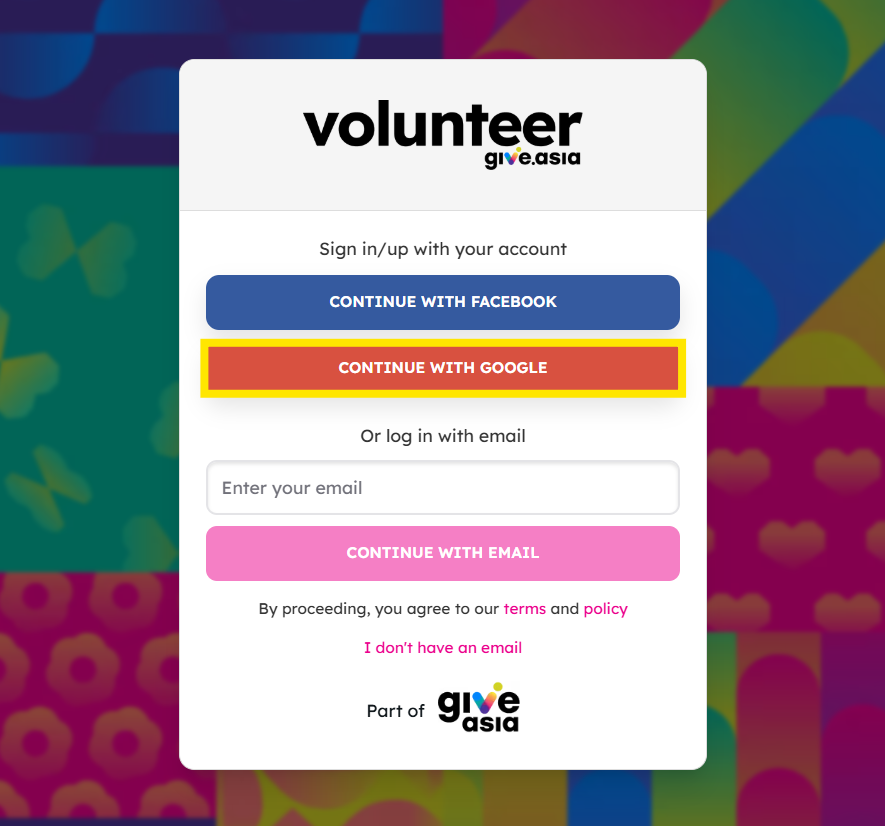
Click Continue with Google.
-
Enter your email and password.
Logging in with Facebook
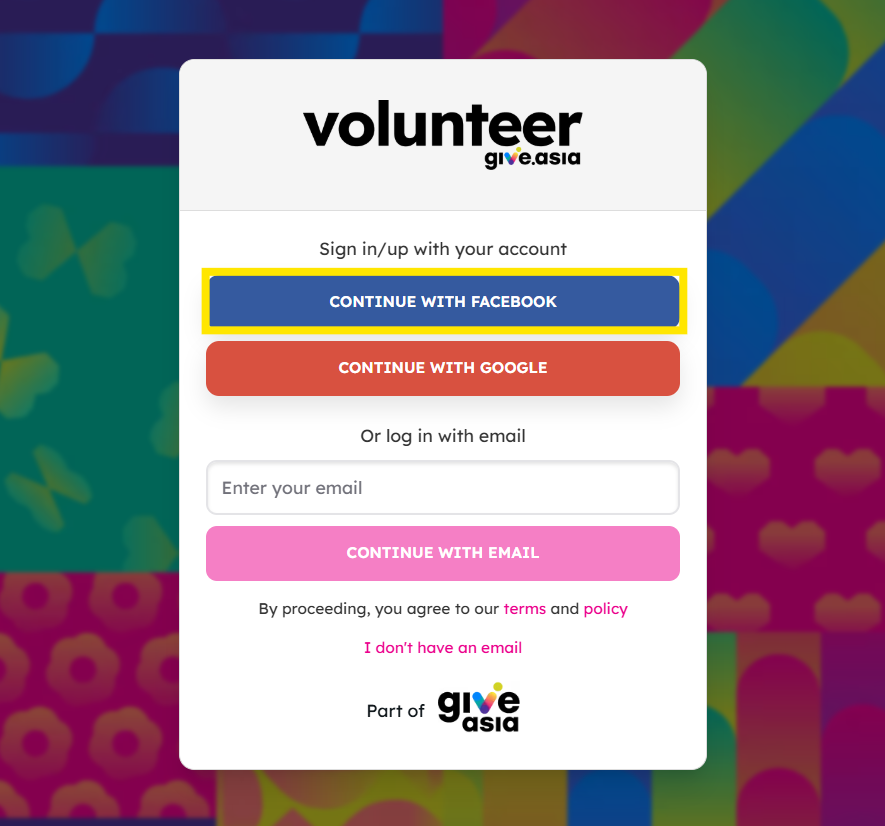
-
Click Continue with Facebook
-
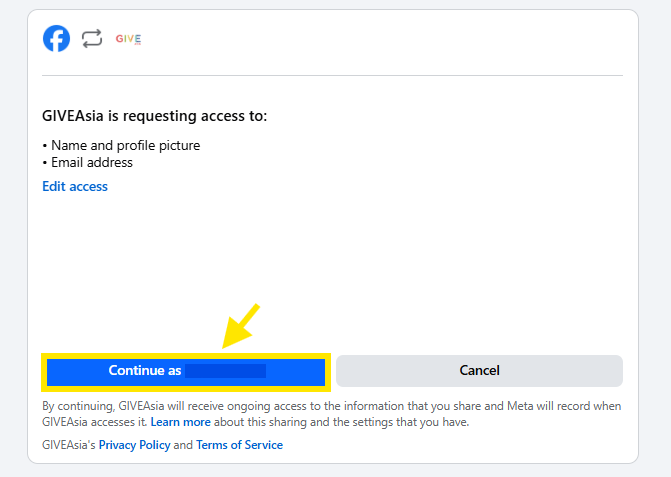
You’ll be redirected to a page requesting access. Select “Continue as [Your Name]”, and you’ll be taken back to the platform to start your volunteer matching quiz.
Logging in with Mobile Number
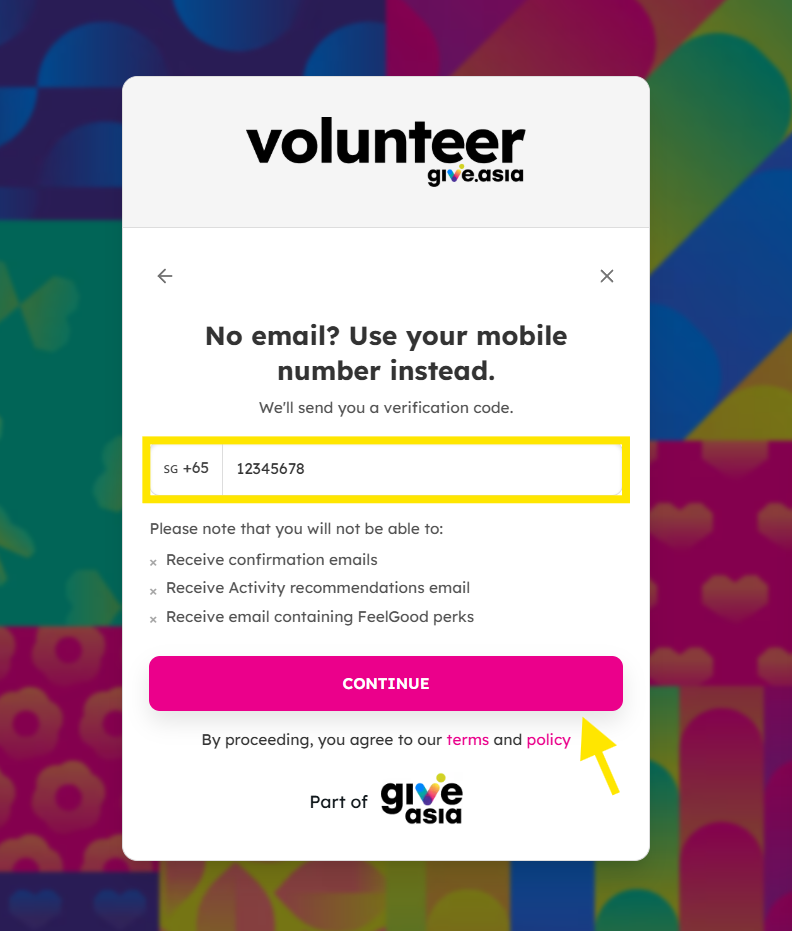
If you don’t have an email address, you can still sign up or log in using your mobile number.
Please note that by using mobile number you will not be able to:
- Receive confirmation emails
- Receive Activity recommendations email
- Receive email containing FeelGood perks
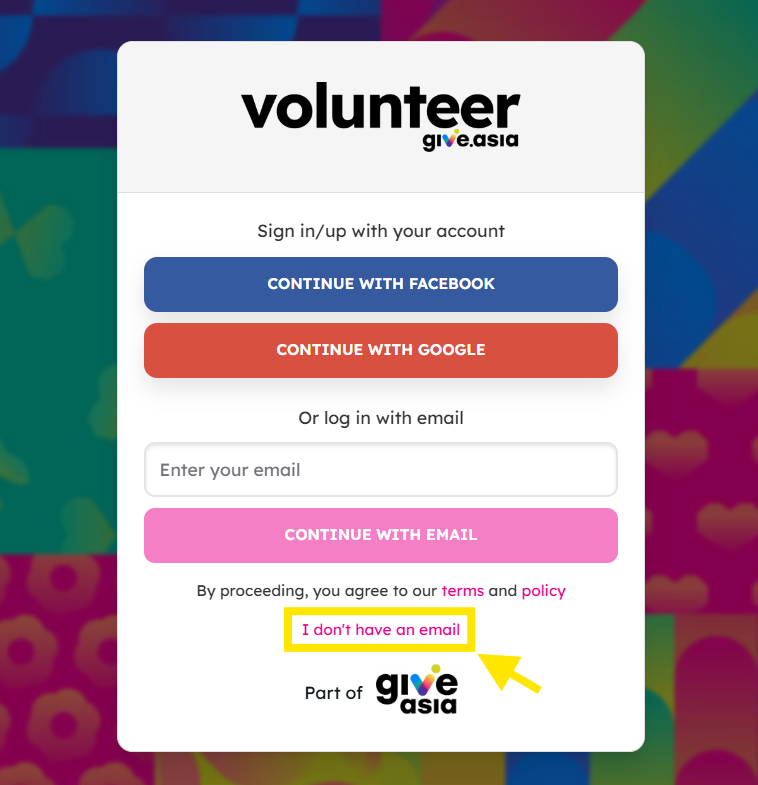
-
Click I don’t have an email on the login page.
-
Enter your mobile number.
-
You will receive a verification code via SMS.
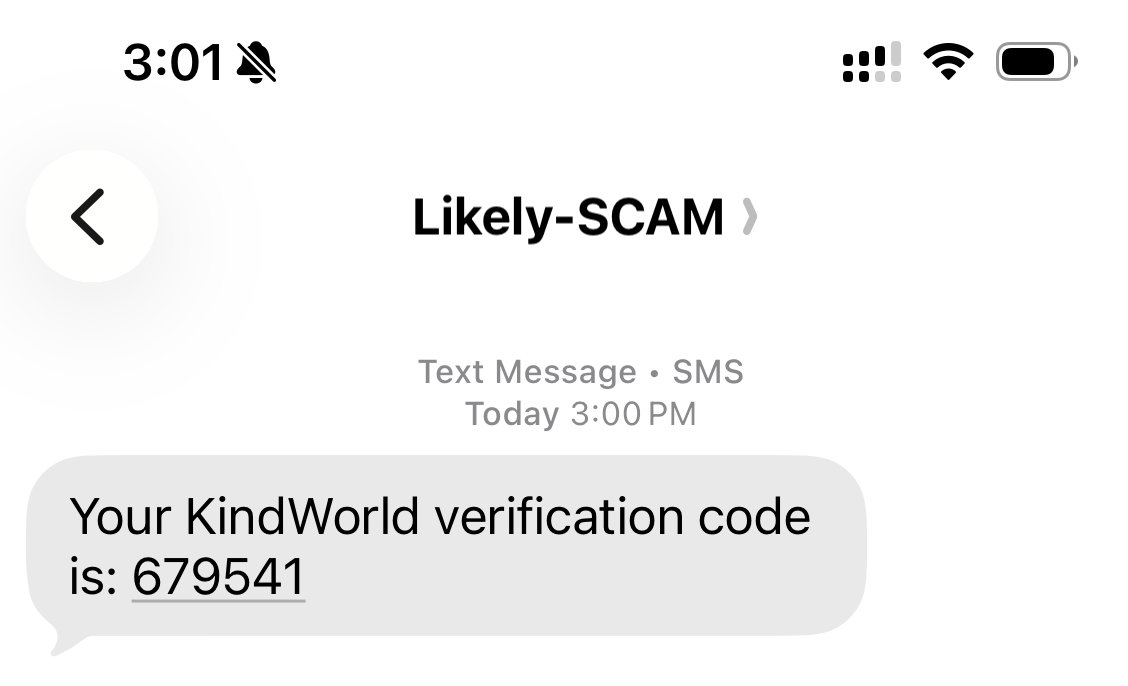
The SMS may sometimes be tagged as “Likely Scam” by your phone. If you requested the code yourself from the Volunteer platform, you can use the verification code shown in the SMS to continue logging in. Please do not share this code with anyone.
-
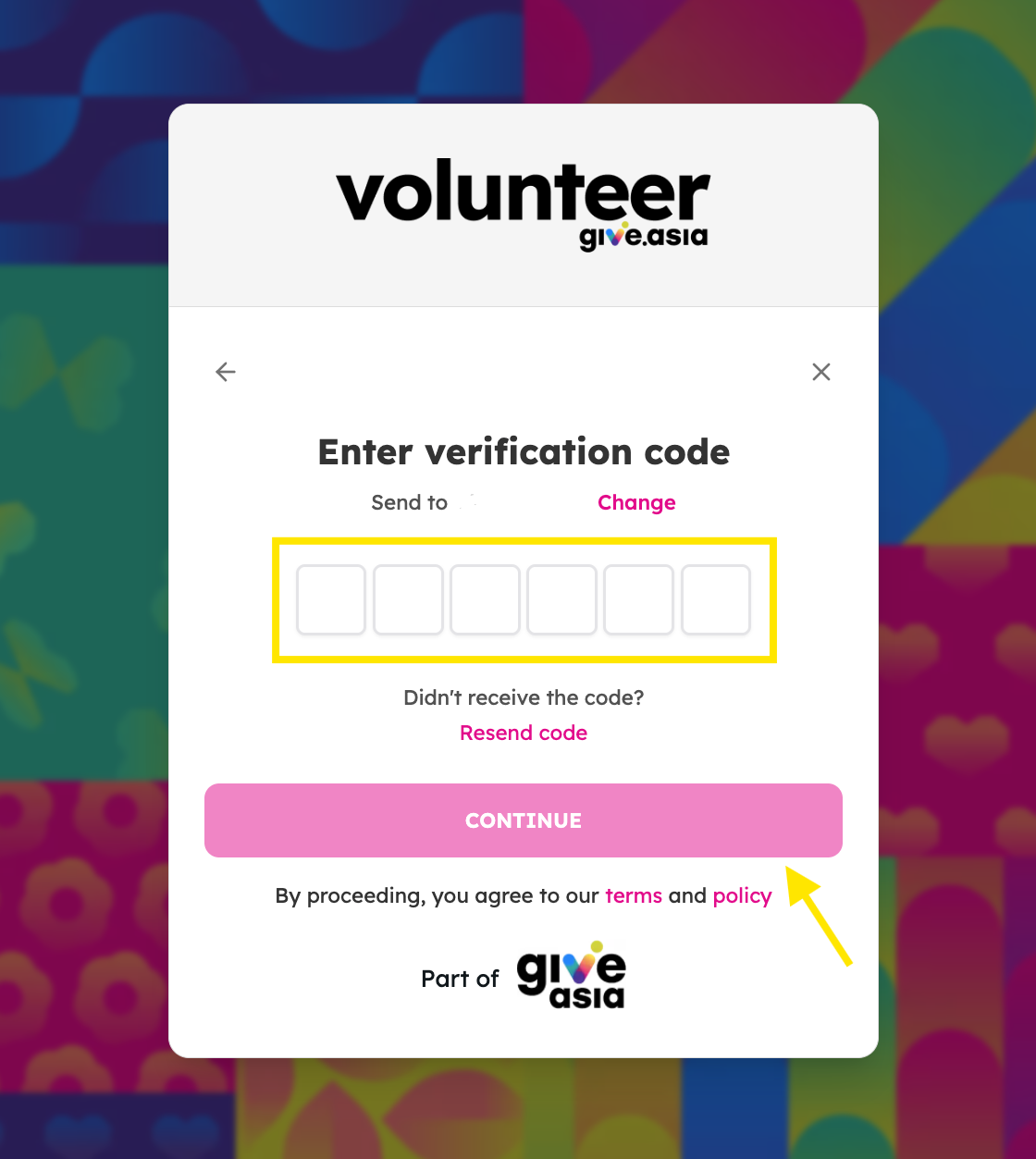
Enter the code to continue logging in.
What happens after logging in?
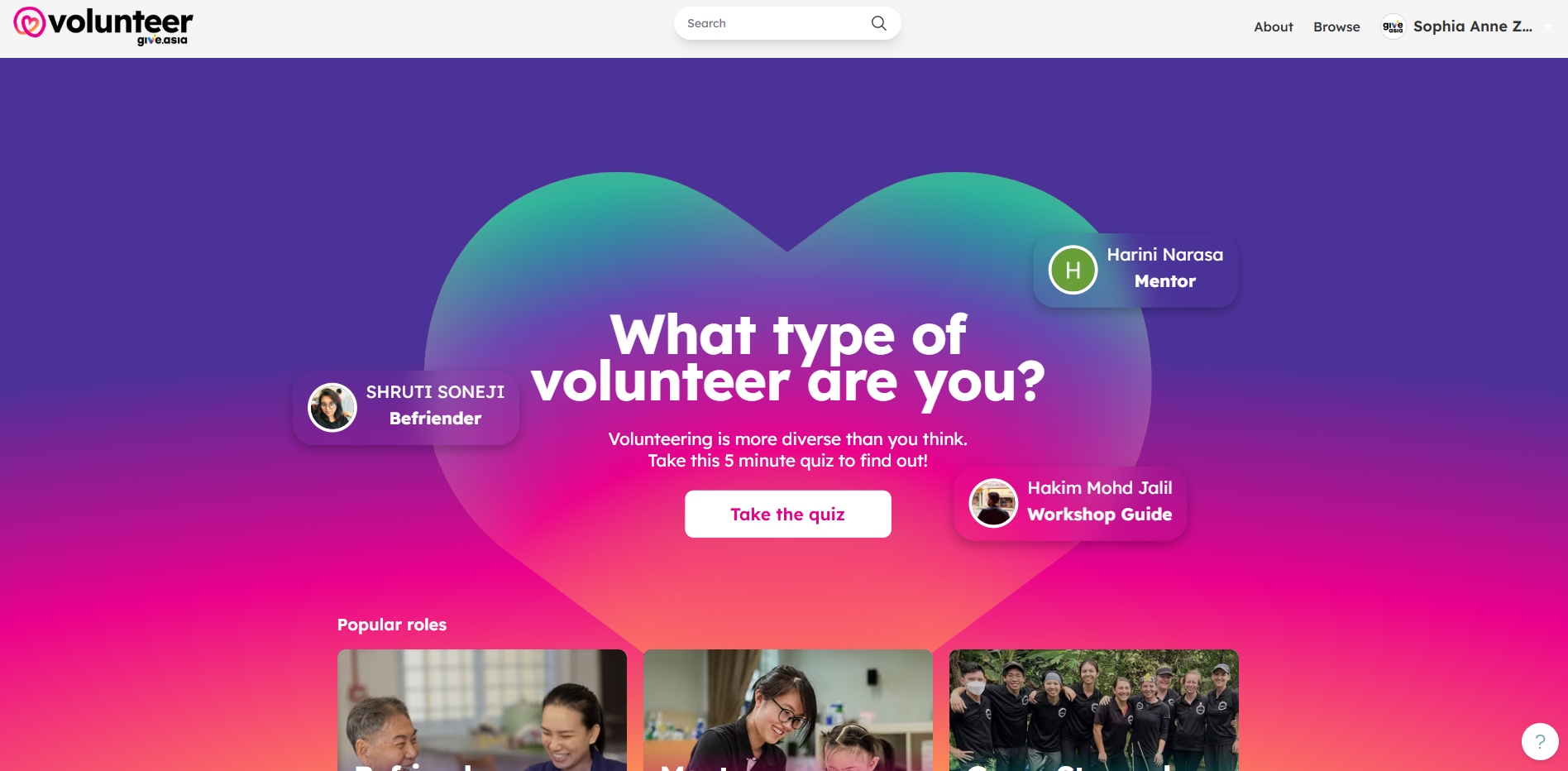
After logging in successfully, you will be redirected to the volunteer homepage.
-
Take the volunteer matching quiz
Answer a few quick questions so the platform can recommend volunteering opportunities that better match your interests and preferences.
-
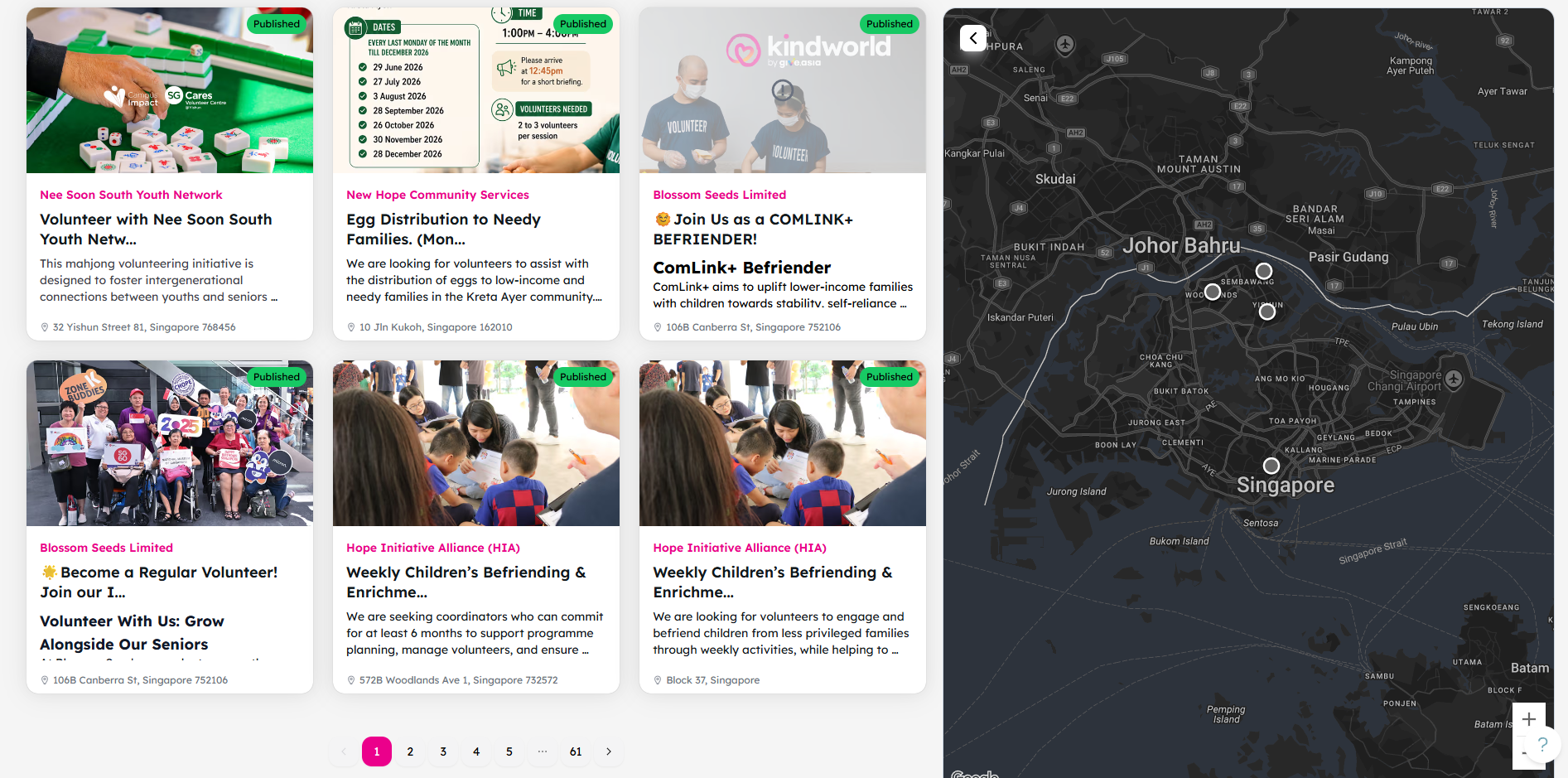
Browse volunteering opportunities
Explore available activities and sign up for opportunities that you are interested in.
-
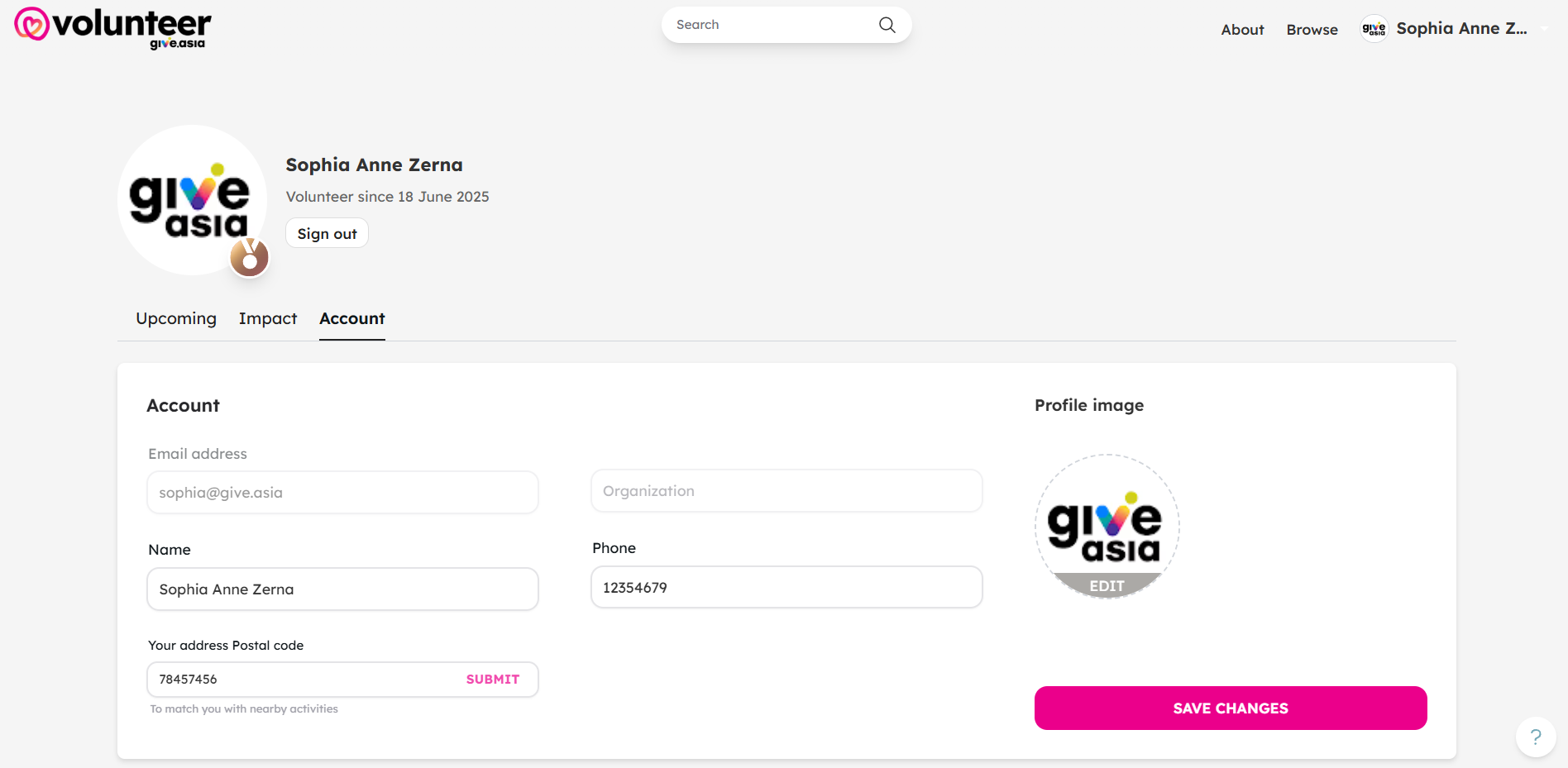
Go to your profile
Click on your name at the top right corner to view or update your volunteer profile, manage your registrations, and keep your details up to date.
If you encounter any issues or have questions, don't hesitate to reach out to us at: [email protected].
Your feedback matters, so feel free to drop us a line anytime!