.png)
How to Offboard Charity and Charity Staff
Changes in town boundaries may require redistributing resources across Volunteer Centres. When this happens, you may need to offboard a charity in volunteer.give.asia. This keeps the system aligned with updated territories, maintains security, and ensures only active partners and staff retain access. There may also be times when a staff member leaves a charity. In such cases, you should remove their role so they no longer have access to the dashboard.
Use this guide to offboard an entire charity or individual staff member from the Community Partner dashboard.
IN THIS ARTICLE:
How to Offboard a Charity
-
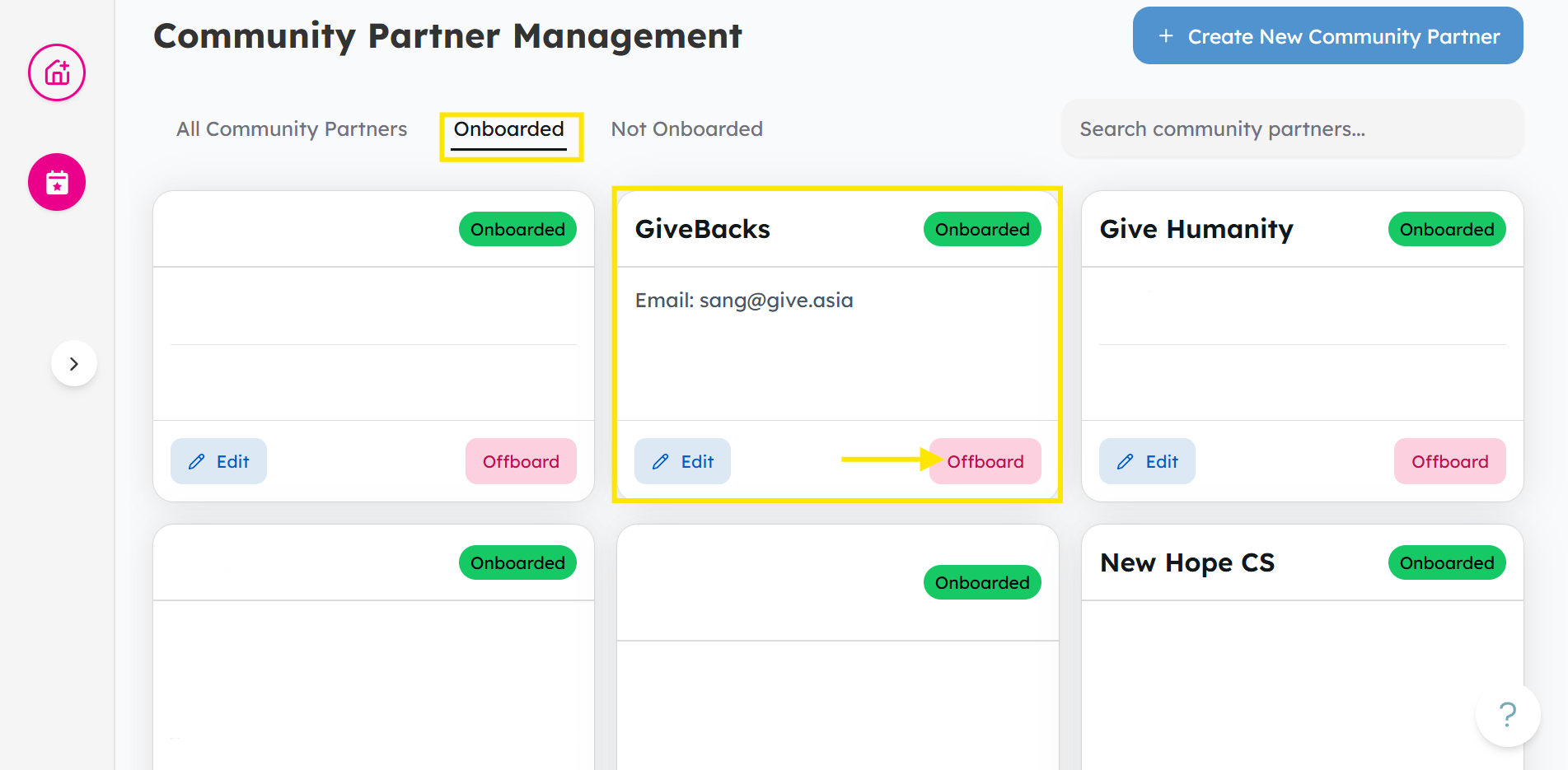
From the Community Partners tab, head to Onboarded, and find the CP and click Offboard.
-
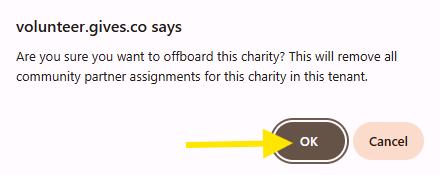
Once a pop-up appears, click OK to confirm.
How to Offboard a Charity Staff
-
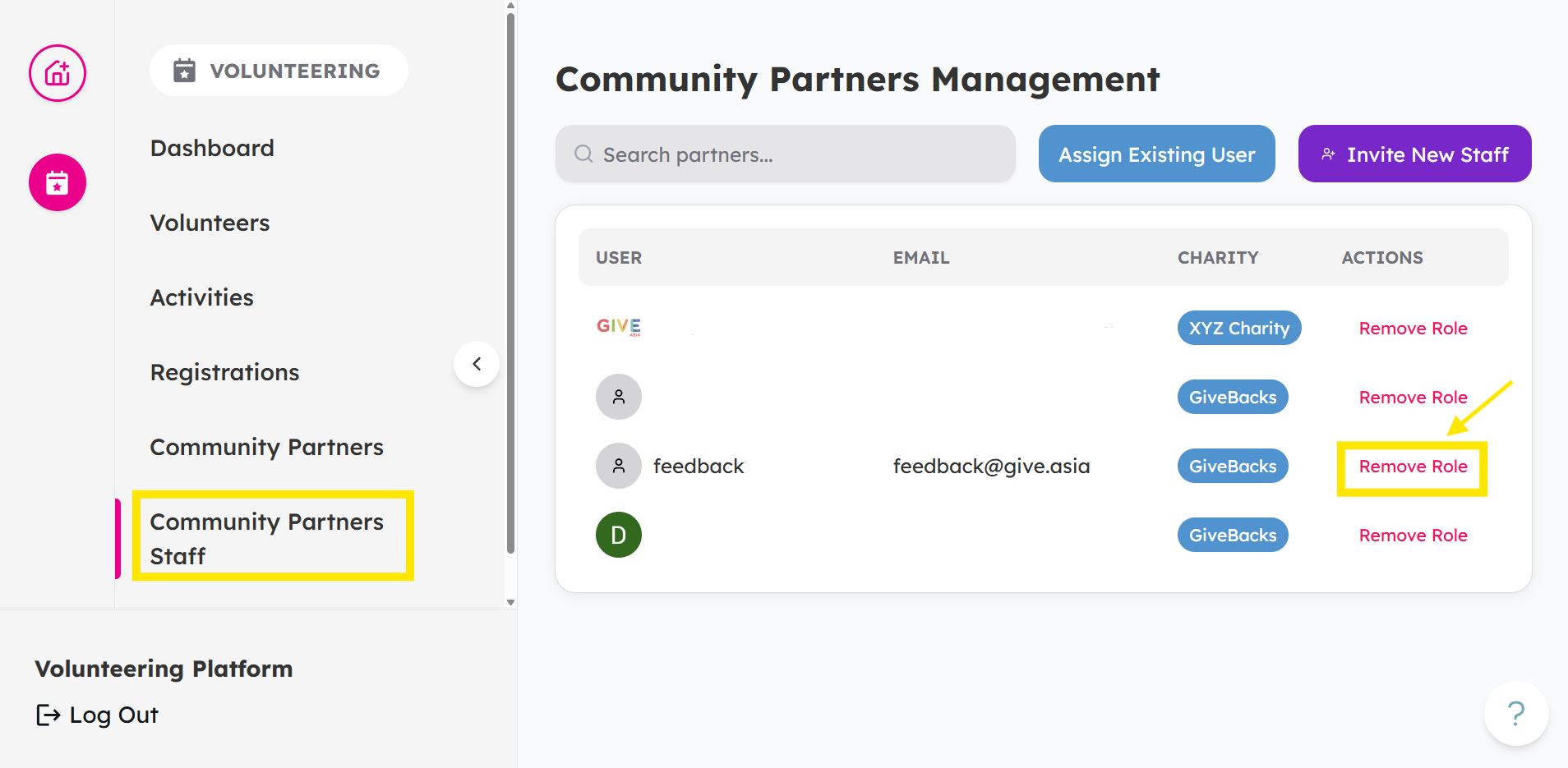
From the Community Partners Staff tab, find the staff and click Remove Role.
-
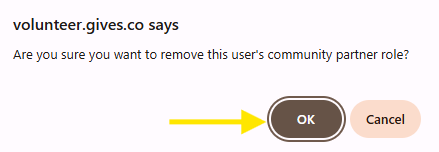
Once a pop-up appears, click OK to confirm.
Looking to add or onboard a new staff instead?
Check out How to Invite Staff to a Community Partner Dashboard
If you encounter any issues or have questions, don't hesitate to reach out to us at: [email protected].
Your feedback matters, so feel free to drop us a line anytime!