.png)
How do I update/cancel a recurring donation?
Recurring donation information that can be updated
- next charge date
- frequency
- card number
- tax deduction information
- donor name and email
Below are the steps for charity staff to update the recurring donation.
- go to the Donations tab of your charity portal
- search for the recurring donation record by either donor name or email
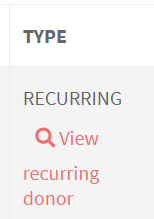
- click View recurring donor under that record
- In the next page, click EDIT/CANCEL SUBSCRIPTION to edit/cancel the recurring donation. UPDATE CARD in the Payment details section.
- Save the change
Note: Donors are able to edit/cancel on their own by following instruction in this article - https://help.give.asia/article/124-how-do-i-editcancel-a-recurring-donation
To update tax dedcution information of past donations, please reach out to [email protected].